
Navigating Music Licensing for YouTube Creators- Best Practices

June 20, 2025

By RocketPages

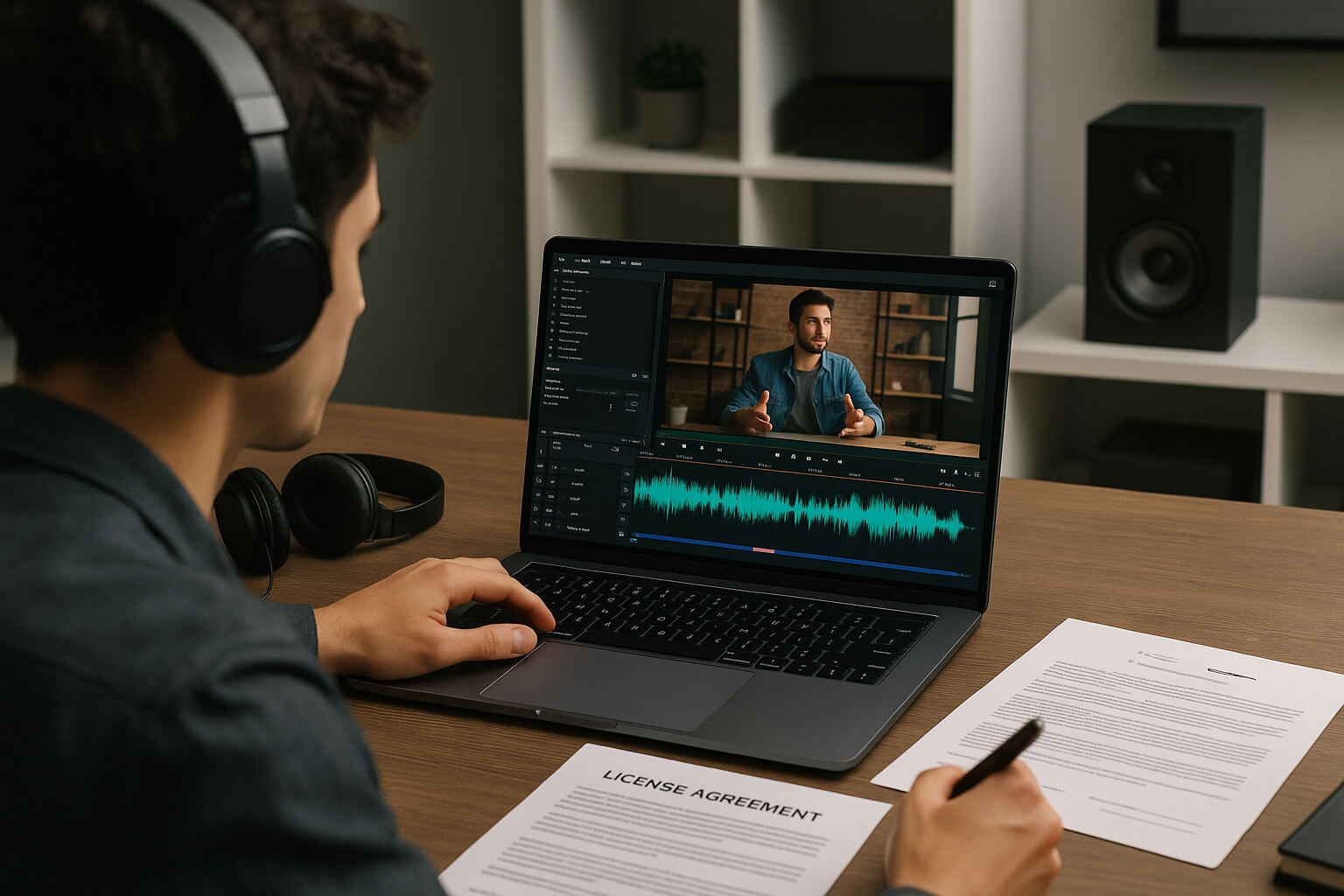
YouTube creator editing a video with licensed music and audio tools in a modern studio workspace.

Music adds emotional impact, narrative depth, and professional polish to YouTube videos. However, using music without proper licensing can result in monetization blocks, legal issues, or even channel strikes. This guide helps you confidently select and use music on YouTube in a copyright-safe, savvy way.


Why Music Licensing Matters on YouTube


YouTube enforces copyright through Content ID, a system that automatically scans uploads for copyrighted audio. Even a short clip of unauthorized music can trigger:


  1. Monetization claims — revenue is redirected to the original owner.
  2. Video muting or removal — depending on the owner’s policy.
  3. Copyright strikes — accumulating strikes can lead to channel suspension.


Creators should always treat any unlicensed music use as a risk—even a few seconds without permission can cause major issues.


Types of Music Licenses Explained


1. Royalty-Free Music


  • You pay a one-time fee (or nothing) and use the track indefinitely in allowed contexts.
  • Licensing terms may still restrict usage, like requiring a specific attribution or limiting platform use. Always read the fine print.


2. Creative Commons Licenses


  • Tracks are available for free under certain conditions:
  • CC BY: Requires attribution.
  • CC BY-NC: Same, but only for non-commercial content.
  • CC0: No attribution needed; the work is public domain.
  • Some CC licenses prohibit remixing or commercial use—read carefully to ensure compliance on YouTube.


3. Subscription Libraries


  • Offer access to vast catalogs of pre-cleared music via monthly or annual plans.
  • Ideal for regular uploads—no need to license track by track.
  • Examples: Artlist, Epidemic Sound, Soundstripe.


4. Direct Licensing


  • You license a song directly from the artist or composer.
  • Agreements can cover exclusivity, time limits, platform usage, and distribution channels. Usually costlier, but allows for tailored usage.


Best Practices for Licensed Music on YouTube

1. Always Read the License


  • Licenses vary in restrictions like platform use, attributing, remix rights, and commercial use. Always confirm that your intended usage aligns with the license terms.


2. Keep Proof of License


  • Save all purchase receipts, licensing agreements, screenshots, or emails. If Content ID claims your video, your documentation could be the key to a quick resolution.


3. Include Proper Attribution :


  • When required by the license


Music: “Track Title” by Artist Name  
Licensed under [CC BY or other license]  
Track Link/Source


Include these credits in the video description or credits section.


4. Avoid Popular Commercial Tracks :


  • Unless you've officially licensed chart hits (which often requires major label approval and high fees), using them is an invitation to copyright claims. Even cover versions incur risks without clearance.


5. Use Music Services Designed for Creators


  • Subscription services streamline licensing. Your recurring fee often covers unlimited use, so there's no surprise claims. Plus, many services offer curated playlists by mood or theme.


Explore these easy options:


Pro Tip: Create Custom, Copyright-Safe Music


If you want tracks tailored to your brand or series, AI music generators are keystones:


  • You control tempo, mood, instrumentation, and structure.
  • Most platforms grant usage rights for YouTube, commercial campaigns, and streaming.
  • Each track is unique—no chance of Content ID matching.


Related reading: How to Evaluate AI Music Tools for a Creative Workflow.


Need Help Choosing the Right Music?


Opting for clear, appropriate music doesn’t have to be a guessing game. Schedule a free consult with an expert to:


  • Analyze your content style, brand, and audience
  • Choose tracks that enhance video impact and audience retention
  • Ensure licensing aligns with your budget and channel goals


Related reading: How to Prepare for a Music Production Consultation.


Final Takeaways


  • Think long-term: One clear license now can save you from revenue loss, conflict, and stress later.
  • Keep meticulous records of every license and receipt.
  • Choose platforms built for creators to streamline licensing and content protection.
  • Explore custom music options to build a stronger brand identity without legal risk.


With the right approach, you can elevate your videos with impactful music—while staying fully compliant and monetizing confidently.

Create a music record for each video

Use a simple document with the video title, track title, creator or supplier, source page, date reviewed, and location of the relevant terms. Add the intended channels and any planned client handoff. Keep this record beside the project files so that the audio and the information used to select it remain connected throughout production.

If several people work on the channel, identify who checks the source information and who adds any required credit. An unassigned task can be overlooked even when everyone assumes it has been handled. A short final review should connect the actual exported video with the selected recording, rather than checking only the editor’s original shortlist.

Review the upload as part of production

Leave time between finishing the edit and the planned release to examine the upload status and any notices. If a notice appears, read its details and use the platform’s documented process for that situation. Keep relevant source records available. Do not make a response based only on a remembered description of the track or a comment from another uploader.

Prepare a practical fallback when a deadline matters. Keep the narration and other sounds organized so that music can be replaced without rebuilding the entire project. This does not resolve a rights question, but it gives the production team an editing option while the question is investigated. Avoid promising a release date that leaves no room for review.

Recheck when the project changes

A video can later become a paid campaign, a client delivery, a translated version, or a collection of shorter clips. Record those changes and revisit the source information relevant to the new plan. The original project notes should make it easy to see what was reviewed and which questions were left open.

Treat a replacement recording as a new selection. Save its own source information and adjust the credits where needed. A file with a similar title or mood is not automatically covered by another file’s documentation. Clear version names help the person handling the upload identify the audio that actually appears in the final export.

Use an actionable release checklist

Before scheduling, confirm the final music version, documentation location, credit task, upload review, and any unresolved questions. Assign an owner to each remaining task. The checklist is useful when it makes the next action visible; a general tick marked “copyright checked” is difficult for another editor to assess or repeat.

Recent Articles

Stay up to date with the latest tips, expert insights, product reviews, and step-by-step guides to help you grow, create, and succeed—no matter your industry or passion.
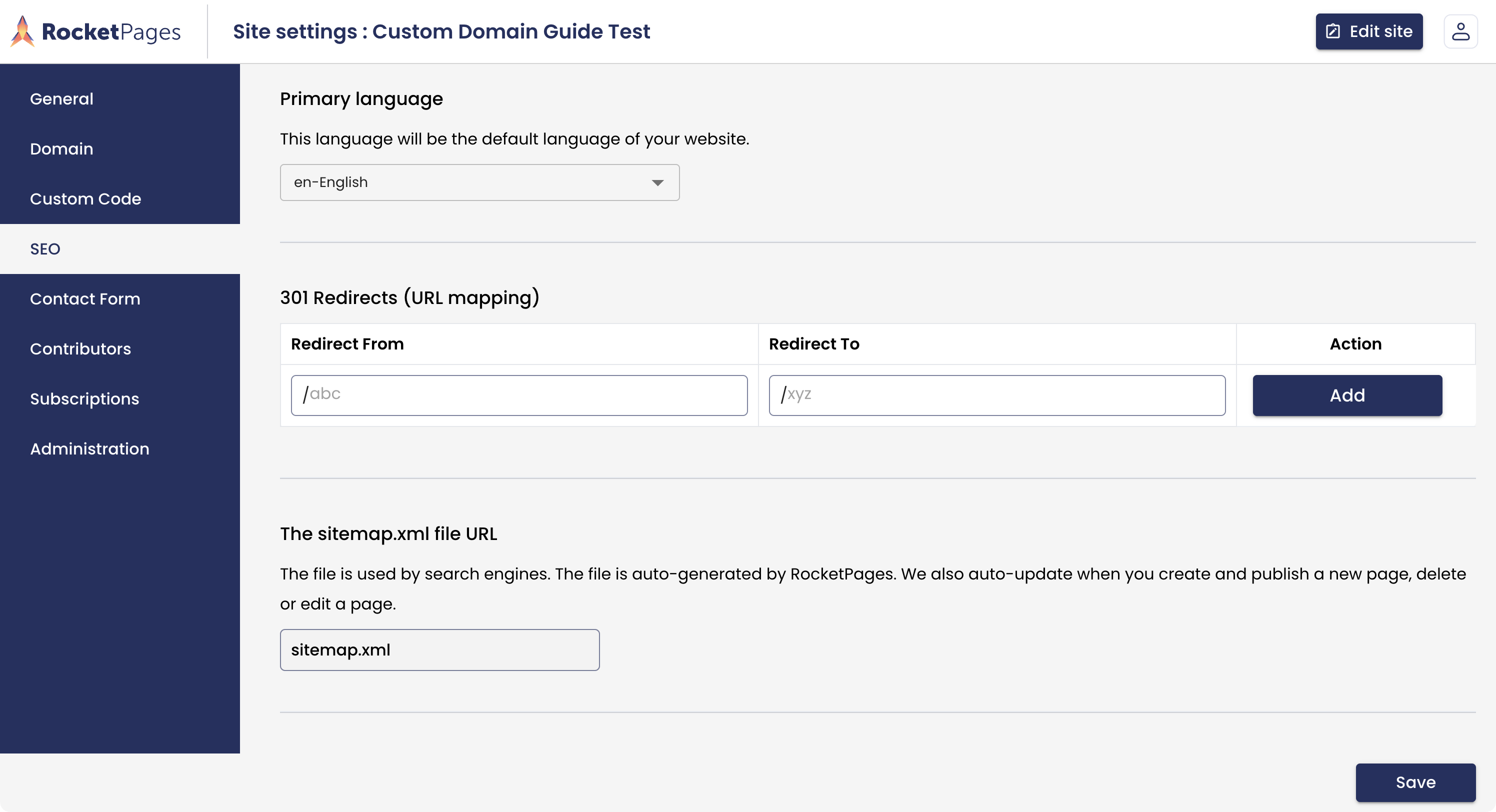

How to Set Up SEO in RocketPages for Search and AI Discovery
To prepare a RocketPages website for search and AI discovery, give each page a clear name and description, publish useful content on your chosen domain, check the sitemap and crawl access, and monitor...
Read More
Illustration of a website connected to a custom domain with SSL security
How to Connect a Custom Domain to RocketPages
You can connect a domain you own to RocketPages by adding it in your site settings, updating its DNS records, validating the connection, and choosing a primary domain. Custom-domain connection is avai...
Read More
Illustration of a small-business website connected to a custom domain with SSL security
RocketPages Free Plan: What’s Included and How to Use Your Own Domain
Yes. RocketPages lets you build and host a website on its free plan and connect a custom domain. You can create unlimited pages and invite unlimited team members, subject to the plan’s storage, bandwi...
Read More