June 17, 2025
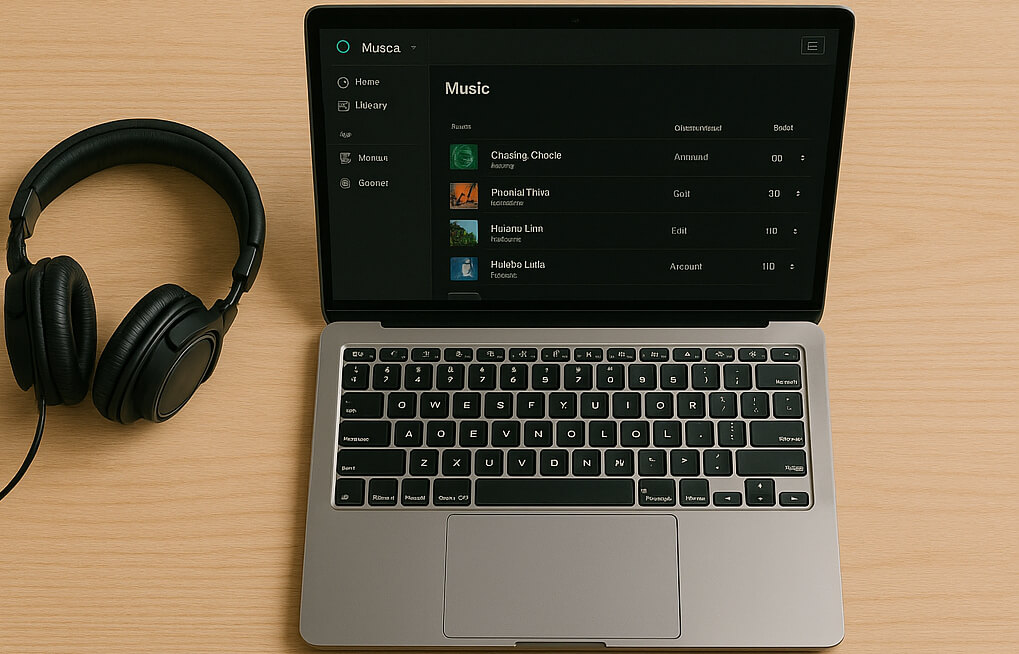
A useful music download is more than a file that plays. Check where it came from, how it sounds in your project, and which published conditions apply to the intended use.
Record the track title, artist, provider, and source URL. Check that you can identify who is offering the download and where their terms are published. Keep this information with the project instead of relying on a bookmark alone.
Read the terms attached to the specific recording. Creative Commons licenses have different conditions; use its official overview to identify the named license. Do not assume that every free download has the same requirements.
Listen for clipping, abrupt endings, distracting noise, and differences in level. Test the part of the track you expect to use with your speech, visuals, or other audio. Keep an untouched original while making project edits.
For YouTube’s own library, consult the YouTube Audio Library instructions, including the displayed attribution information. For other sources, use the documentation attached to that source and recording.
Store the source information, download date, relevant instructions, and any required credit text alongside the project. If the conditions are unclear, resolve them with the provider before relying on the file for the planned use.
Record who created or supplied the track, where you found it, and what you intend to do with it. Keep the track title, artist or provider name, source URL, and date checked in one place. A large number of downloadable files does not tell you whether a particular recording is appropriate for your project.
When a track appears on several websites, look for the source that identifies the recording and its applicable instructions clearly. If you cannot connect the file to that information, mark it as unresolved rather than treating it as ready to use. This is a practical record-keeping step. It helps you return to the right page when a collaborator asks where the audio came from or what was checked.
Check the terms displayed for the specific track or collection. A general description of a website may not answer every question about an individual item. Keep any attribution text or provider instructions with the record rather than relying on a short promotional label. If your intended use is unclear, ask the provider to clarify it before using the recording in that way.
Creative Commons publishes an official overview of its license types; those types have different conditions. Identify the actual license named for the material instead of assuming that every Creative Commons recording has identical permissions. For other sources, consult their own documentation. The checklist helps you collect the relevant information; it does not replace the conditions attached to the material.
Do not judge a download only from its opening few seconds. Listen to the beginning, the transitions, the section you plan to use, and the ending. Notice distracting noise, abrupt edits, changes in level, or musical developments that may conflict with the project. Keep a short note of anything you need to test in the actual edit.
Try the candidate alongside the material it will accompany. A track may sound clear on its own but distract from spoken narration or place emphasis in the wrong moment. Check the same passage across your candidate files so that your comparison remains useful. Keep an untouched original while experimenting, and distinguish creative fit from technical issues in your notes.
Confirm that your editing application can open the file and that the exported project meets the destination’s requirements. Check the original duration and the version you actually imported. Keep track of any converted or edited copy so you can recover the source later. A file that plays in a browser preview may still need to be tested in your own project workflow.
If you make a new export, inspect the exported file rather than assuming that the editing session and the final file are identical. Audacity’s export documentation is one official reference for distinguishing the export choices in that application. Use the documentation for your own software and the instructions supplied by the destination when choosing settings.
When credit is required, decide where the information will appear in your finished project and who is responsible for adding it. Keep the supplied text or source instructions with the project checklist. A note hidden in a download folder is easy to overlook during publication, especially when several people handle different parts of the work.
For material from YouTube’s own Audio Library, consult its official usage instructions and the information displayed for the track. Avoid transferring assumptions from one library to another. Before publishing, review the actual project against the instructions you recorded, including any credit that needs to be placed in a description or another specified location.
Create a small record with fields for the file, source, intended project, technical check, usage-information check, attribution task, and decision. Mark unresolved questions explicitly. This is more useful than giving every candidate a generic quality score because it shows what still needs attention before the file becomes part of the finished work.
For example, one candidate might fit the edit well but have an unanswered provider question, while another has clear instructions but a distracting ending. Those require different next actions. Keep a reason when you reject a candidate so that someone else does not repeat the same checks without context. The record should make the current decision understandable without presenting it as a universal judgment about the track.
Open the version you intend to publish and confirm that it uses the selected recording rather than an earlier audition file. Check the full passage again, verify that any required credit task is complete, and keep the source record with the project archive. Make sure collaborators know which file and version were selected.
If something important remains uncertain, resolve it before depending on the recording for the planned use. Keep alternative candidates available when practical so that a late question does not force you to make an uninformed choice. A careful download workflow ends with a clear record of the selection and its supporting information, not merely with a folder containing many files labeled “free.”
Stay up to date with the newest tips, gear reviews, and step-by-step guides to elevate your photography journey from home and beyond.