
How to Download Free Music for Podcasts Without Breaking the Law

August 06, 2025

By RocketPages

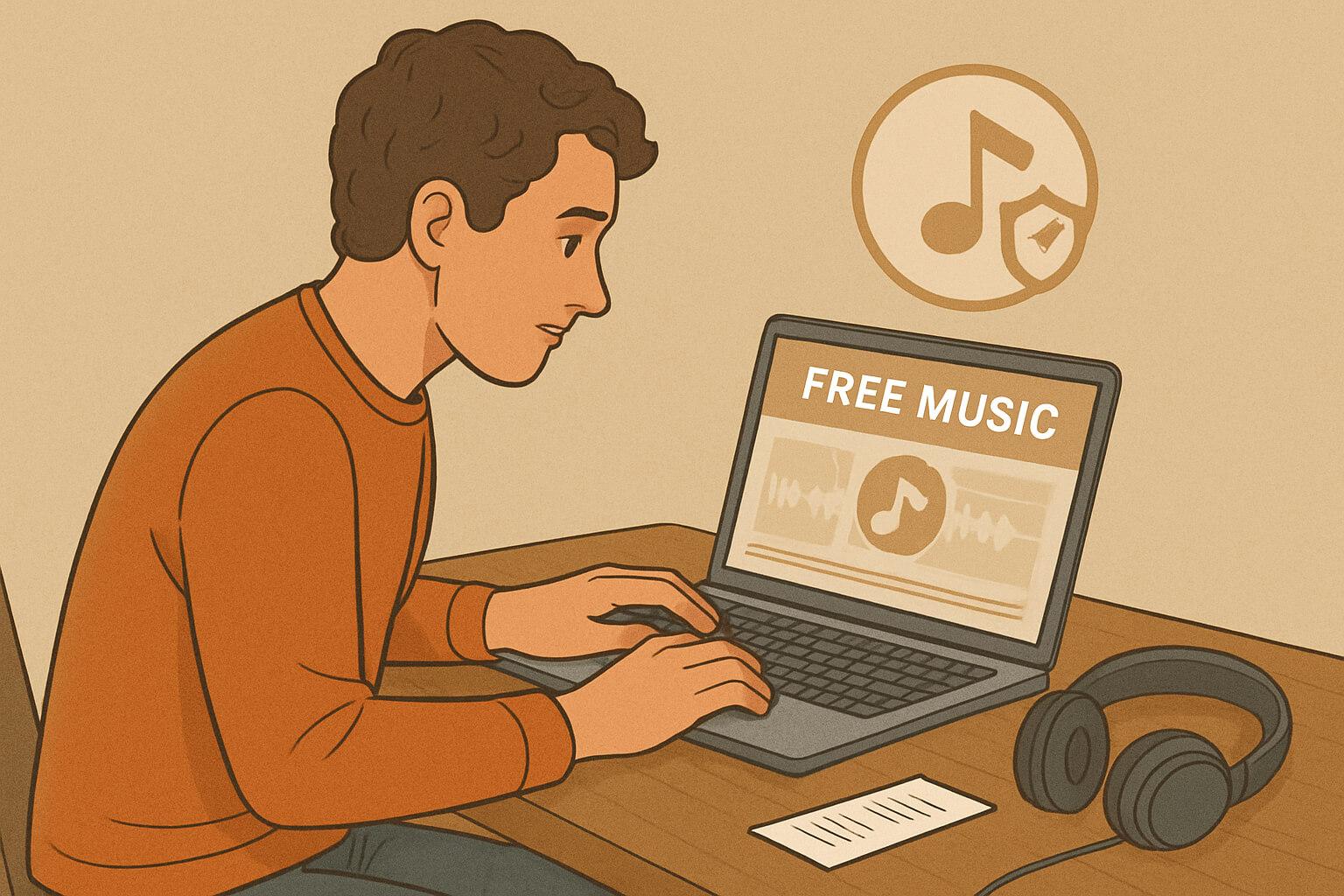
Podcast creator downloading free music legally for a podcast, with websites and licensing details visible on the screen.

Adding music to your podcast can elevate the listener experience, but using copyrighted tracks without permission can land you in legal trouble. Fortunately, there are plenty of ways to download free, legal music for your podcasts.


Here’s a guide to finding and downloading music safely so you can focus on creating great content without worrying about copyright issues.


Understanding Music Licensing Terms


Before diving into resources, it’s important to understand key terms:

  • Royalty-Free: You don’t have to pay recurring fees for using the music, but it doesn’t necessarily mean the track is free to download.
  • Copyright-Free (Public Domain): Music that is no longer under copyright protection; you can use it freely.
  • Creative Commons (CC): Licenses that allow creators to specify how their music can be used. Some require attribution, others allow modifications.


Top Free & Legal Sources for Podcast Music


1. YouTube Audio Library
  • YouTube’s Audio Library offers a large collection of free tracks for creators. Many of these are royalty-free and require no attribution. A fantastic resource for podcast creators looking for simple, easy-to-implement tracks.
  • Explore the YouTube Audio Library


2. Free Music Archive (FMA)
  • FMA curates high-quality tracks under various Creative Commons licenses. Be sure to check the license for each song and respect the attribution and usage guidelines.
  • Browse the Free Music Archive


3. Jamendo
  • Jamendo offers a huge selection of indie music with Creative Commons licensing. Great for finding unique background music or soundtracks to set the tone of your podcast episodes.
  • Check out Jamendo’s music


4. Incompetech
  • Composer Kevin MacLeod provides hundreds of royalty-free tracks on Incompetech, which you can use free of charge with proper attribution. Perfect for podcasters who need quick and accessible music.
  • Visit Incompetech’s music library


5. Bensound
  • Bensound’s library of royalty-free music is widely used for podcasts and videos. Free use is allowed with attribution. Many tracks are suitable for different podcast moods, from intros to outros.
  • Discover music on Bensound


6. Free Music Packs


Legal Tips for Using Free Music in Podcasts


  1. Check the License Every Time: Even if a site claims the music is free, check individual track licenses. Some tracks may have special restrictions.
  2. Give Proper Attribution: If the license requires it, always credit the artist in your show notes or description.
  3. Avoid "Commercial Use" Restrictions: Some free tracks are for personal projects only. Make sure your podcast qualifies for commercial use before using them.
  4. Keep Proof of License/Download: Save screenshots or download receipts to prove you acquired the track legally. This can protect you in case of disputes.
  5. Don’t Assume “Free Download” Means No Copyright: Many free downloads are still under copyright but allow specific uses, such as non-commercial projects or with proper attribution.


Final Thoughts


  • Finding free music for podcasts is easier than ever—but it’s crucial to respect licensing rules. By using trusted sources and following proper attribution guidelines, you can legally enhance your podcast without risking copyright infringement.
  • Podcasts are a great medium for creative expression, and the right music can make a huge difference. Whether you’re looking for background music or intros and outros, there are tons of free resources available to help you create professional-quality podcasts without breaking the law.


Suggested Read Next:


Document the episode and its intended distribution

Describe where the music will appear in the episode and how the episode will be distributed. Include the uses you actually plan rather than relying on a vague description such as “for a podcast.” Keep this brief with the candidate recordings so the relevant provider information can be checked against a clear project.

Identify whether a file is being used only as a reference, tested in a draft, or selected for the published episode. Make that status visible to collaborators. A temporary edit can easily become a final version when the project record does not distinguish auditions from selections.

Check the composition and recording information

For United States context, the U.S. Copyright Office explains that a musical work and a sound recording can involve distinct rights. A provider’s information should be considered in relation to the material and use you are planning. Use appropriate guidance for the relevant jurisdiction rather than treating a general label as a complete legal conclusion.

Keep the source page, creator or supplier details, date checked, applicable instructions, and any unresolved question together. If an important condition is unclear, ask the provider or obtain appropriate advice before relying on an interpretation for publication.

Test the recording under the spoken material

Audition the same passage of narration with a small set of candidates. Listen for whether the music competes with speech, changes the intended emphasis, or creates an awkward transition. Keep a reason when you accept or reject a recording so another editor can understand the choice.

Preserve an untouched source file and identify any edit made for the episode. Check the exported episode, including its opening and ending, outside the editing application. Technical fit and the relevant usage information are separate checks; a track sounding suitable does not answer every question about its use.

Make attribution and source records part of delivery

If the applicable instructions require credit, assign the task and check its location before release. Keep the supplied text and source information with the episode notes. Do not rely on someone remembering a credit from an earlier conversation or an unlabelled download folder.

Archive the episode version, selected recording, relevant instructions, and the date of the review. Revisit the information when a later use changes the context. A clear episode record helps distinguish what was actually checked from assumptions about all free downloads or every future distribution arrangement.

Use a concise final checklist

Confirm the selected recording and edit, the episode version, the original source, the location of the applicable terms, any required credit, and the person responsible for unresolved questions. Keep the record available to the people handling publication. This supports a reviewable decision without promising that one music category covers every podcast situation.

Recent Articles

Stay up to date with the latest tips, expert insights, product reviews, and step-by-step guides to help you grow, create, and succeed—no matter your industry or passion.

How to Set Up SEO in RocketPages for Search and AI Discovery
To prepare a RocketPages website for search and AI discovery, give each page a clear name and description, publish useful content on your chosen domain, check the sitemap and crawl access, and monitor...
Read More
Illustration of a website connected to a custom domain with SSL security
How to Connect a Custom Domain to RocketPages
You can connect a domain you own to RocketPages by adding it in your site settings, updating its DNS records, validating the connection, and choosing a primary domain. Custom-domain connection is avai...
Read More
Illustration of a small-business website connected to a custom domain with SSL security
RocketPages Free Plan: What’s Included and How to Use Your Own Domain
Yes. RocketPages lets you build and host a website on its free plan and connect a custom domain. You can create unlimited pages and invite unlimited team members, subject to the plan’s storage, bandwi...
Read More