August 07, 2025
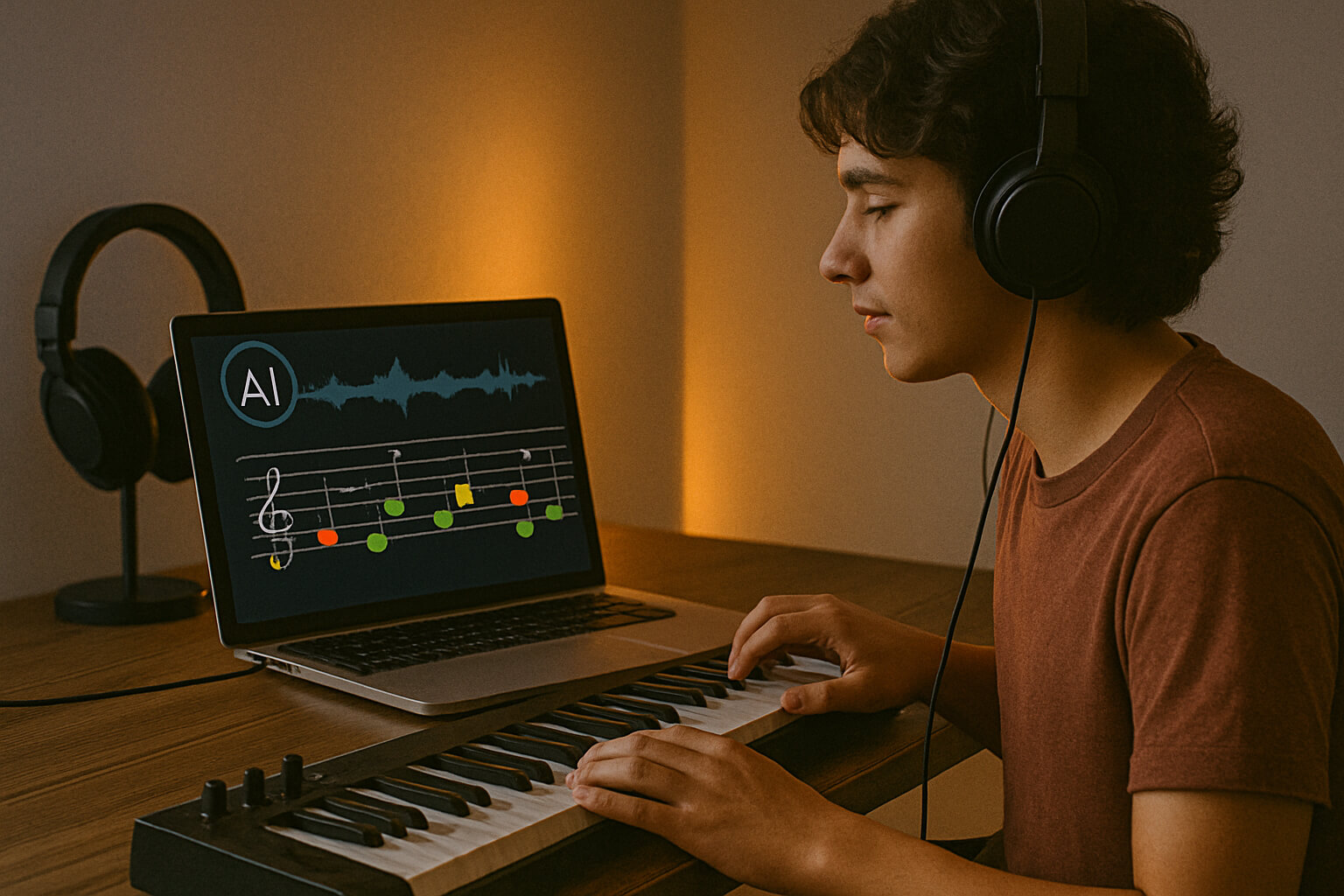
`Artificial Intelligence (AI) is rapidly changing how we interact with the world—including how we learn music. From smart piano apps to AI music generators, students now have access to personalized feedback, adaptive lesson plans, and even creative tools that assist with songwriting.
But can AI really teach you music?
And should it replace traditional methods?
This article explores the pros and cons of using AI to learn music—along with tools you can try today to see how it fits into your musical journey.
Yes—it can.
AI can teach technique, offer real-time feedback, and even compose with you.
But should it replace human instruction entirely? Probably not.
The best approach may be a hybrid model: use AI for structured practice, ear training, and creativity—while seeking human feedback when needed.
🎶 Think of AI as your coach. But you’re still the artist.
Choose a short exercise from reliable learning material and define what you want feedback on. The task might concern a rhythm, a note sequence, or a chord change. Keep the reference available so you can compare the tool’s response with something other than its own explanation. A confident answer is not the same as an accurate assessment.
Use the same example when testing a second attempt. Record the input, the response, and any change you made. If the tool gives different advice, check what information changed before deciding that one response is better. Do not use an automated assessment to settle questions about discomfort or physical technique; ask an appropriately qualified person to review those issues.
A tool may be useful for describing an idea without being equally useful at demonstrating or assessing it. Treat those as separate jobs. You might understand a written explanation but still need a clear musical example, or you may need human feedback to identify why your own attempt differs.
Keep a list of the tasks the tool actually helped you complete. Avoid assuming that a convenient explanation establishes a complete teaching method. Check the provider’s current documentation for the capabilities it claims, then test the parts relevant to your learning. Record limitations as specific observations, such as an unclear reference or feedback that did not answer your question.
Choose one main learning plan and use additional tools to answer particular questions within it. Constantly replacing the sequence with generated exercises can make progress difficult to evaluate. Keep notes on which exercise you tried, why it was chosen, and what you will review next.
If a suggestion seems too difficult, simplify the task or ask for an explanation of its prerequisites. If you cannot verify a claim or understand the instruction, pause before adding it to your routine. A useful assistant should help you make the next learning action clearer, rather than creating a longer list of activities whose purpose you cannot explain.
Consider how you will obtain musical references, check technical questions, and receive feedback on your own playing. An automated tool may occupy one part of that arrangement. A teacher, a structured course, or practice with other musicians may provide different kinds of support. Choose the combination according to the problem you need to solve.
Before paying for a service, check its current account terms and the features available to the arrangement you would actually use. Keep any limits or unanswered questions in your evaluation record. After several sessions, review whether the tool helped you understand a task and act on feedback. That is a more useful test than the novelty of the interface or the number of generated suggestions.
A useful test record includes the exercise, reference, question asked, response received, check performed, and next practice action. Keeping these fields together helps you spot when a tool is explaining clearly but failing to assess your particular attempt.
Stay up to date with the latest tips, expert insights, product reviews, and step-by-step guides to help you grow, create, and succeed—no matter your industry or passion.