June 18, 2025
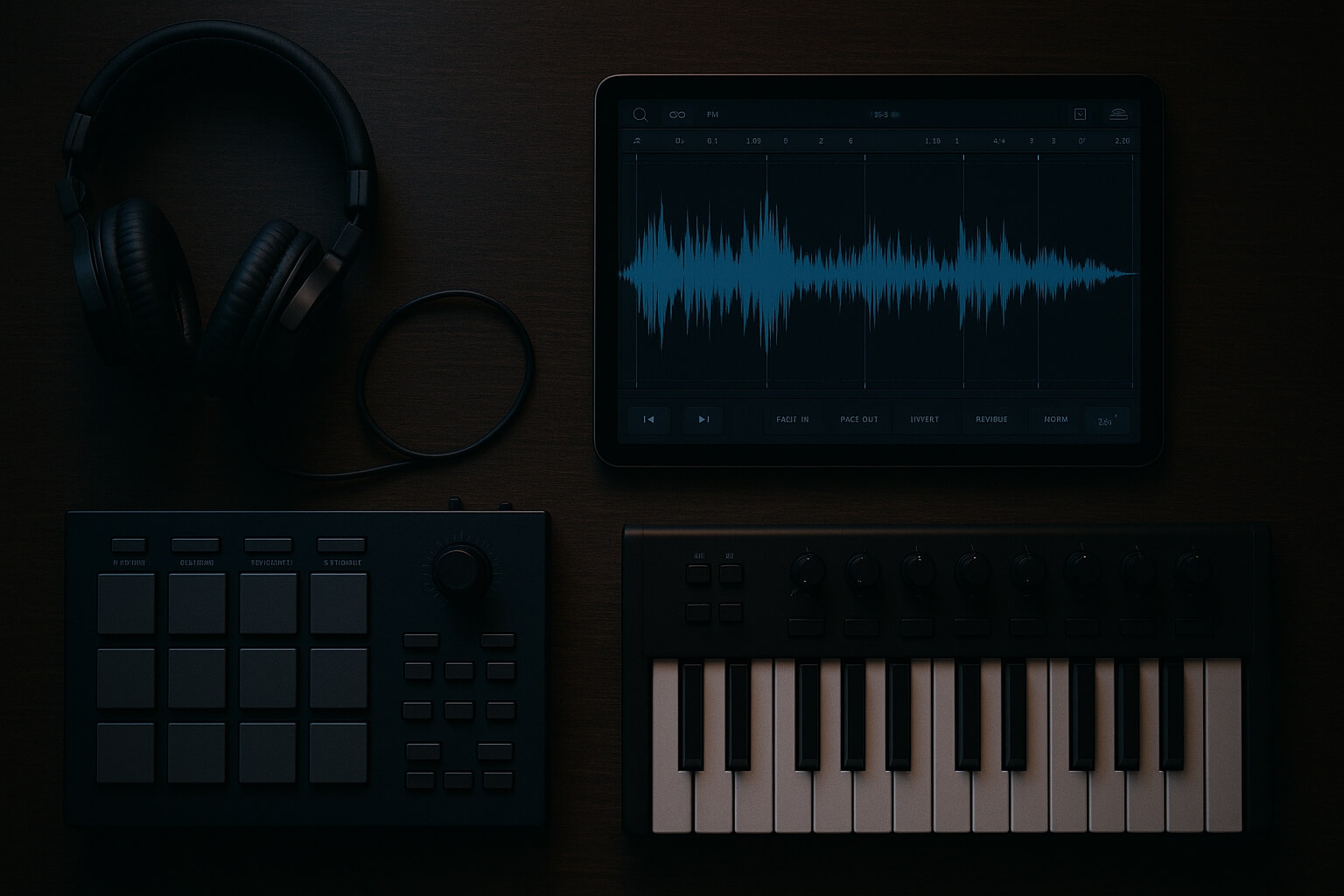
A well-organized sample library helps you find useful sounds without interrupting a production session. Start with sounds you have obtained from a source you can identify and organize them around the way you work.
Create a small folder structure for drums, melodic one-shots, loops, textures, and project-specific material. Avoid adding many nested folders before you know you need them. Keep the original package information available.
Record useful information such as instrument, source, tempo, and key where the supplier provides it. Treat uncertain tags as notes to verify. Consistent names make it easier to distinguish similar versions and find a sound again.
Save the supplier name, package title, source URL, and relevant usage instructions with the collection. A file name or a “free” label alone is not enough information to decide how a sound can be used in a project.
Try a short candidate list in your project rather than browsing indefinitely. Compare the sound with the rhythm, arrangement, and other instruments. Save the candidates that work and remove temporary duplicates from the project folder.
Before archiving or sharing a session, confirm that the project can find its required audio files. Keep a note of the source material you used and maintain a backup of the session. This makes later revisions easier to organize.
Begin with the questions you ask while producing. You may look first for a drum sound, a melodic phrase, or a texture that fills a particular role. Use those categories as a small starting structure. Keep project-specific experiments separate from the main library so unfinished edits do not become difficult to distinguish from the source material.
For example, you could use top-level folders for drums, melodic material, textures, and project selections. Add subfolders only when a category becomes difficult to browse. A structure with dozens of empty categories creates maintenance work without helping you find sounds. Try retrieving several familiar samples before expanding the system. The folder names should reflect a useful decision you make during a session.
A sample name should contain enough information to distinguish the file from similar candidates. Useful elements can include an instrument or sound type, a source identifier, and a version. Include tempo or key when you have reliable information for those fields. If a value is uncertain, record that uncertainty rather than turning a guess into a permanent label.
An illustrative name might be “drum_kick_sourceA_take02” or “melody_loop_sourceB_version01.” These are organizational examples, not a required standard. Keep the original supplier name or package record available when renaming a working copy. Use a consistent approach to spacing and version numbers so that search results and folder sorting remain understandable as the collection grows.
Keep an untouched source copy when you chop, tune, process, or otherwise change a sample. Store experiments with a clear relationship to that source. A processed version may work well in one beat while becoming confusing in another. Preserving the original gives you a reliable place to return when a later decision needs a different edit.
Use version labels that describe a meaningful change, such as a shorter edit or a processed alternative. Avoid names that depend only on memory, such as “finalfinal” or “newgood.” When an experiment is selected for a project, keep the appropriate source information with it. You should be able to explain where the sound came from without reconstructing the entire production session.
Set a practical boundary for browsing. Choose a small candidate group, audition it against the current beat, and compare the role each sound plays. A sample can be impressive in isolation and still compete with the rest of an arrangement. Keep your attention on the musical job you need to fill rather than searching for an abstract “best” sound.
Write a short note when a candidate almost works. You might identify an attack that feels too strong, a texture that occupies too much space, or a phrase that changes the mood. That note can guide a later edit or another search. Save useful alternatives in a project shortlist, then return to making the beat instead of continuing to browse indefinitely.
Folders give each file one main location, while tags can describe several qualities. You might tag a sound by instrument, energy, texture, or a particular use in your workflow. Keep those terms consistent. If two tags mean the same thing to you, choose one rather than allowing slightly different labels to spread through the library.
Use descriptive notes for qualities that are difficult to reduce to a tag. “Works as a quiet transition under this arrangement” is more useful than adding several vague mood labels. Review tags when an actual search fails. A library does not need every possible category at the beginning; it needs enough structure to support the work you repeatedly do.
For each package or source, record its name, provider, original URL, and where the relevant instructions are stored. Keep that record close to the files. When a sample moves into a project, record the selected version and any changes that will matter to another person opening the session. A collaborator should not need your entire browsing history to locate the intended sound.
Before sharing, check the file-management process for your software. Ableton documents one example in Collect All and Save. Follow the instructions for the application and version you use. Test a handoff with the intended files available, and note dependencies that need separate attention instead of assuming that every computer has the same setup.
Choose a manageable review task, such as checking one source package or clearing a project’s temporary audition folder. Look for duplicate working copies, unclear names, and files without source records. Review before deleting anything: apparently similar files may be different edits or versions used in an existing project. Keep a backup appropriate to the way you work.
Judge the system by how easily you can find and reuse a sound. If organizing begins to take more time than the problems it solves, simplify the structure. A useful library remains understandable during a creative session and after a break from the project. Clear records, modest categories, and a reliable relationship between source files and project edits provide a stronger foundation than a very large collection alone.
Stay up to date with the newest tips, gear reviews, and step-by-step guides to elevate your photography journey from home and beyond.