June 20, 2025
Reviewed and updated November 23, 2026.
Equalization, or EQ, changes the balance of frequencies in a sound. Use it to solve a defined tonal problem or make a creative choice: reduce an intrusive low-frequency rumble, soften a resonant note, or change the brightness of a part. EQ does not correct musical timing, replace an arrangement, or guarantee a polished mix.
Begin by describing what you hear. 'The guitar hides the vocal when both play' is more useful than deciding in advance that every track needs the same preset. Keep playback at a comfortable level and compare small changes before adding more processing.
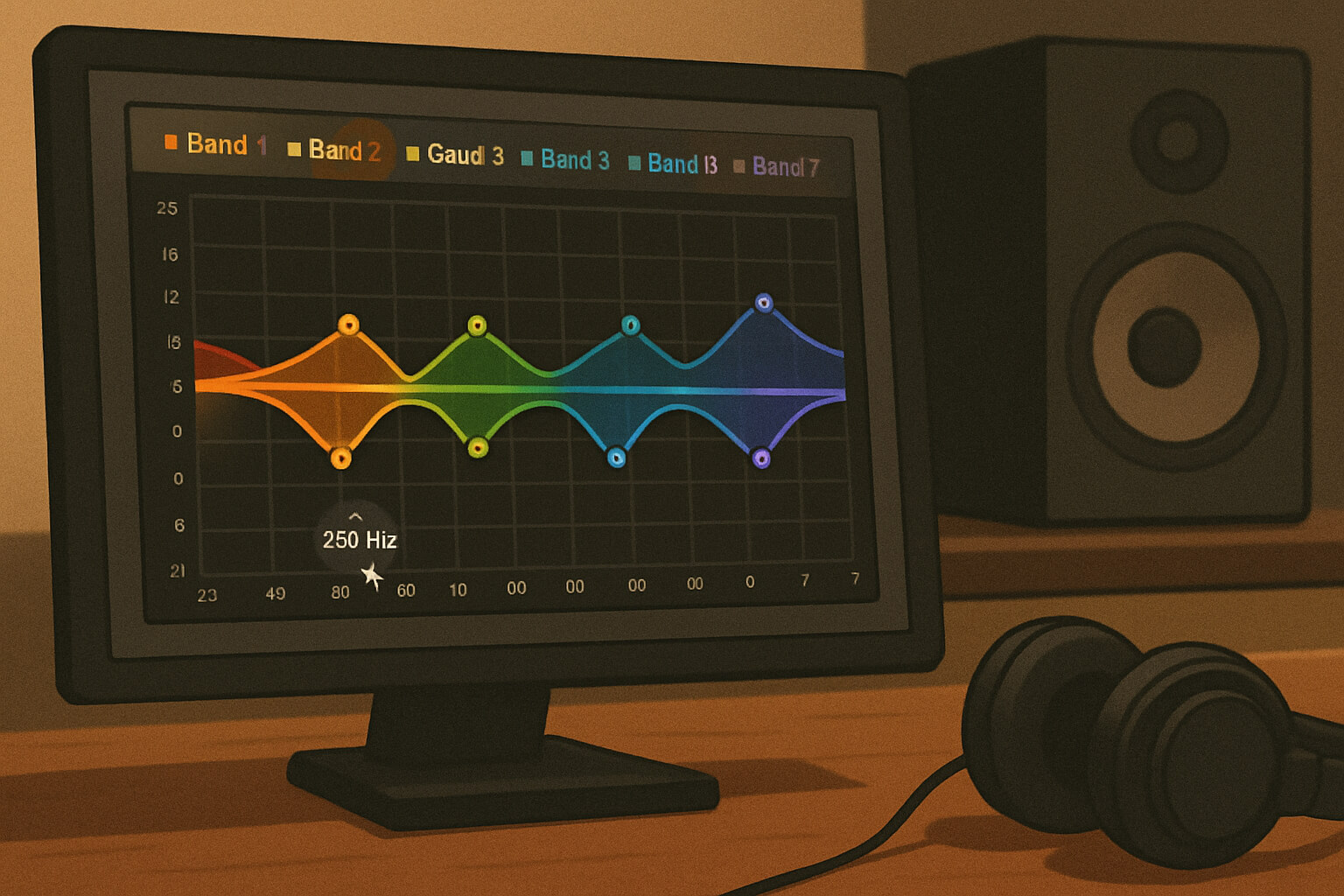
A bell band changes a region around a chosen frequency. A shelf adjusts a broader area above or below a point, while high-pass and low-pass filters attenuate material on one side of a cutoff. Different EQs label these controls differently. The Ableton EQ Eight reference shows a concrete implementation; you can practice the same listening decisions in another suitable equalizer.
If a recording has unwanted low rumble, test a high-pass filter and listen for the point where the desired sound begins to become thin. Back away from that point rather than assuming one cutoff works for every voice or instrument. If the issue is a single unpleasant resonance, test a restrained bell cut instead of removing a large part of the sound.
For an overall tonal balance, a broad adjustment may be more useful than many narrow bands. Consider the recording and the arrangement before reaching for a stronger correction. Moving a microphone or changing a part can sometimes address the cause more effectively than extensive EQ.
Write down why you kept or removed the adjustment. The note might say, 'A broad reduction made the vocal easier to hear, but a stronger cut removed too much body.' This builds a useful record of decisions without turning frequency numbers into rules.
When two parts compete, first check their levels and the arrangement. Ask which part should lead at that moment. A backing part may need less level or a different register rather than an elaborate EQ curve. If an EQ adjustment helps the parts fit together, compare the whole passage so the quieter instrument still has a musical role.
Do not assume that a frequency region belongs exclusively to one instrument. Useful settings depend on the performance, recording, and surrounding parts. A chart can suggest where to listen, but it cannot replace the comparison.
Keep an unprocessed reference and a version with your chosen EQ. Listen again after a break and at an ordinary playback level. If the change is hard to explain or creates another problem, simplify it. The goal of the exercise is a repeatable decision, not a dramatic graph.
For a different music skill, see the rhythm guide. To share your finished work, recordings, or show information, explore RocketPages music websites. The website presents the work; it does not perform audio mastering or equalization.
Stay up to date with the newest tips, gear reviews, and step-by-step guides to elevate your photography journey from home and beyond.