August 15, 2025
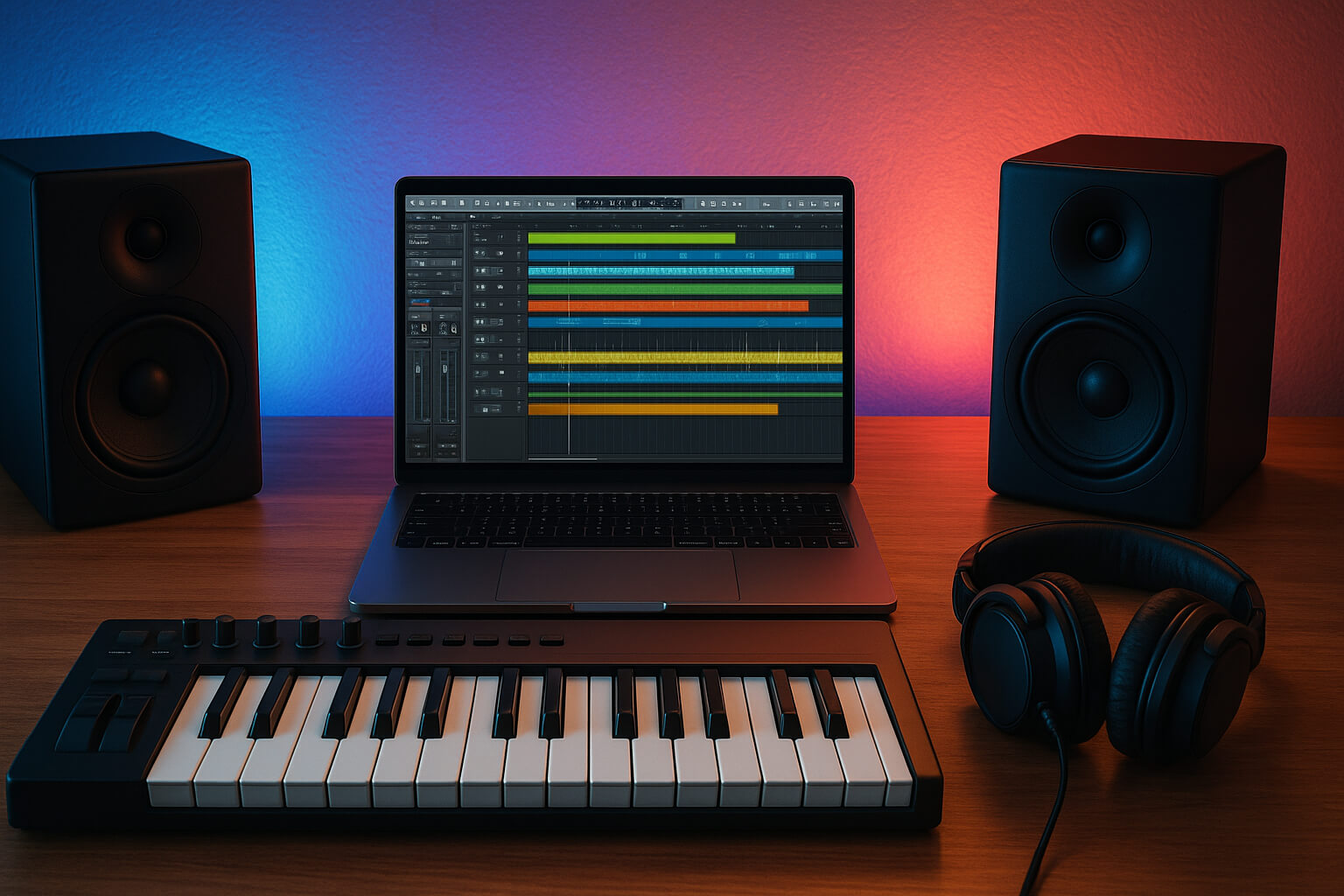
In today’s digital-first music landscape, Digital Audio Workstations (DAWs) are the engine behind everything from bedroom beats to Grammy-winning albums. Whether you’re producing hip-hop tracks, electronic remixes, or acoustic demos, a DAW gives you the tools to bring your sound to life.
This guide walks you through what a DAW is, the key features to look for, and how to choose the one that matches your creative workflow.
A Digital Audio Workstation is software used for recording, editing, mixing, and producing audio files. Think of it as your studio-in-a-box — complete with virtual instruments, effects plugins, and multi-track recording.
Popular DAWs include:
Want a deeper look at how each DAW compares? This overview of DAW software breaks it down in detail.
A good DAW should offer a well-rounded toolkit. Here are some features that define most digital audio workstations:
Not sure what all those effects actually do? This guide to compression in music production breaks it down for beginners.
Every DAW has its strengths. Ask yourself these questions:
Also, consider your gear. For example, if you’re investing in an audio interface, check out this intro to choosing the right interface.
You don’t need to master every feature on Day 1. Here's how to begin:
If you're interested in diving deeper into production, consider this free How to Evaluate AI Music Tools for a Creative Workflow that can help you jumpstart track ideas quickly.
Choose a small task that includes starting a session, adding material, making an edit, saving, and exporting a result. This gives the interface a practical purpose. Exploring every menu before completing anything can make the software feel more complicated than the task you actually need to do.
For example, assemble a short exercise using material you can use, adjust its arrangement, and make an export for private review. Keep the project small enough to revisit. Record the steps you used and where the files were saved. A complete path through a simple task creates a reference for learning additional functions later.
A session can depend on media, devices, and other files located outside the main project document. Check the file-management instructions for your software before moving work between computers. Keep source recordings, working edits, and exports clearly identified so that a finished audio file does not become confused with the editable session.
When sharing a project, confirm which files the recipient needs and which software or additional components must be available separately. Ableton provides one official example in Collect All and Save. Use the equivalent guidance for your application and test the handoff rather than assuming that one file contains every dependency.
Learn editing, routing, and processing through specific questions. If you want to shorten a passage, identify the editing operation involved. If you cannot hear a track, inspect the relevant path and controls using the manual. This approach creates a connection between a feature and a result you can verify.
Keep an untouched copy before making substantial changes, and label versions according to meaningful differences. Avoid adding several processors at once when you are trying to understand one effect. Compare the result with your starting point and note what changed. A growing list of software features is less useful than being able to explain a small set of reliable operations.
Open the export in the context where it will be reviewed or delivered. Confirm that it contains the intended passage and that the start and ending are correct. Follow the destination’s requirements and the software’s current export documentation instead of assuming that every setting suits every use.
Keep the export beside a clear project version and a short delivery note. That record makes later revisions easier to organize. If the file does not match what you expected, return to the session and identify the relevant choice before repeating the export. A beginner’s useful milestone is a project that can be reopened and revised, with a result that can be checked outside the editing application.
Try reopening that project after closing the application. Confirm that the expected tracks and media are available and identify the export you last reviewed. This small recovery test can reveal a file-location problem before the session becomes larger or needs to be shared.
Stay up to date with the latest tips, expert insights, product reviews, and step-by-step guides to help you grow, create, and succeed—no matter your industry or passion.