Releasing great music is only half the journey. The other half? Getting your music in front of listeners—on the platforms they already use. That’s where music distribution comes in. It’s the process that allows independent artists to upload their songs to Spotify, Apple Music, Amazon Music, YouTube Music, and dozens of other global services.
Whether you're a solo bedroom producer or part of a touring indie band, understanding digital distribution is crucial for getting heard, earning royalties, and building a sustainable music career.
In this guide, you’ll learn how music distribution works, which platforms to use, and how to maximize your success as an indie artist.
What Is Music Distribution?
At its core, music distribution is the bridge between your finished track and your audience’s ears.
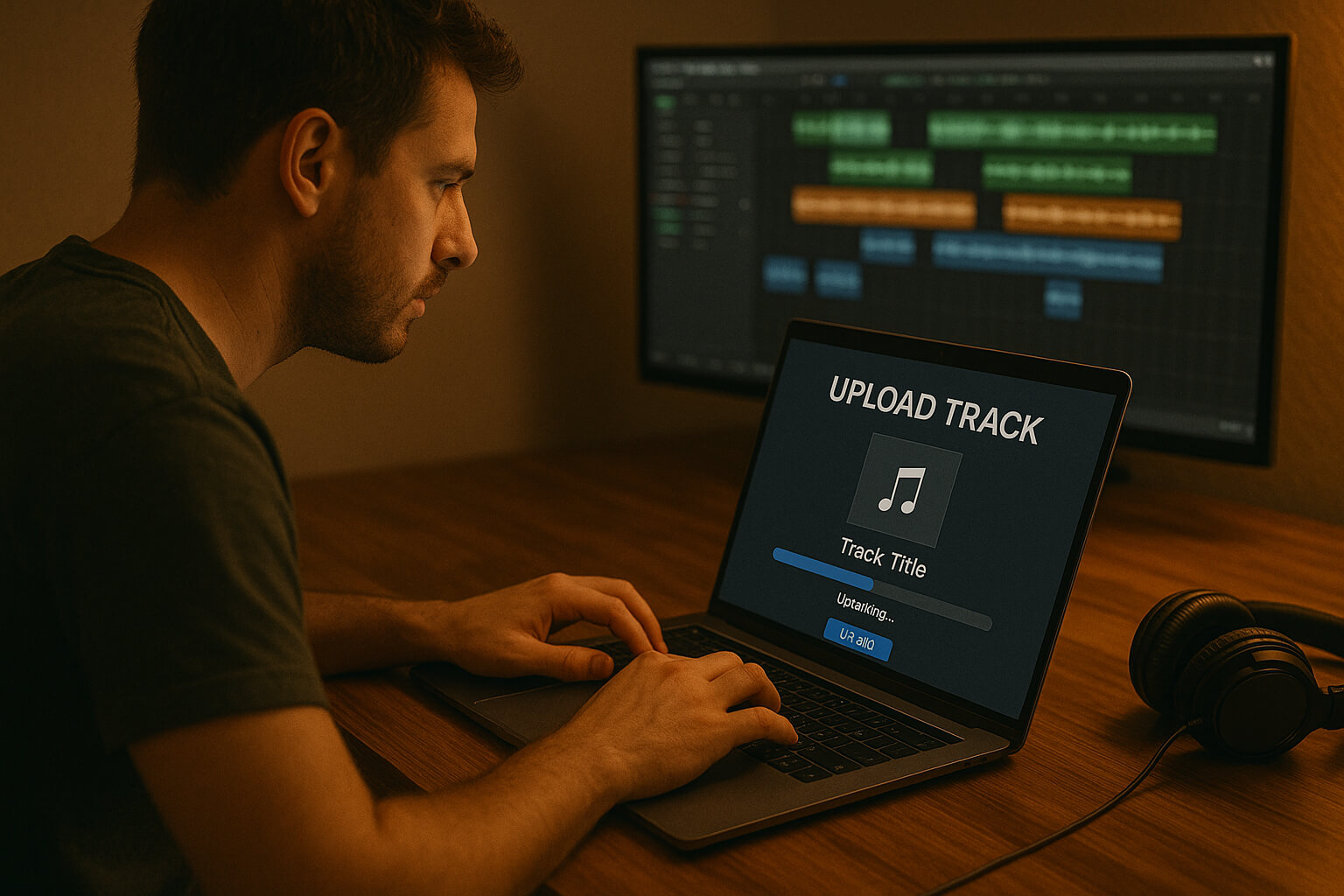
A digital music distributor uploads your audio to streaming platforms and online stores, ensures the correct metadata and cover art, collects your streaming royalties, and reports analytics—so you can focus on creating more music.
Old vs. New:
- Traditional Distribution: Required a record label, physical pressings (CDs, vinyl), and retail stores.
- Modern Digital Distribution: Fast, affordable, DIY-friendly. Upload once and reach millions of listeners worldwide.
Pro Tip: Good distribution ensures your music sounds professional and appears alongside major artists with proper formatting, credits, and visuals.
Why You Need Digital Distribution
Digital distribution isn’t optional—it’s essential in today’s streaming economy. Here’s why:
- 🎯 Reach Global Audiences: One upload can land your song on 100+ platforms, including Spotify, Apple Music, Amazon, Deezer, Tidal, and TikTok.
- 💰 Earn Royalties Automatically: Streaming platforms pay for every play. Distributors track your earnings and pay you out.
- 🎨 Present a Professional Release: Distributors handle metadata (song titles, credits, ISRC codes) so your release looks as polished as the pros.
- 📢 Playlist Access: With proper metadata and verified artist pages, your music becomes eligible for Spotify algorithmic and editorial playlists.
Related reading: How to Build a Music Reference Library for Creative Projects.
How Digital Distribution Works (Step-by-Step)
Here’s what the typical digital distribution process looks like:
Step 1: Choose a Distributor
- Popular digital distributors include:
- DistroKid – Fast uploads, yearly flat fee, unlimited releases.
- TuneCore – Per-release pricing, solid reporting.
- CD Baby – One-time fees, physical distribution options too.
- Amuse – Free and premium plans.
- Ditto Music – Budget-friendly, good for beginners.
- Compare:
- Revenue splits (Do you keep 100%? Or 85%?).
- Distribution to Instagram Reels, TikTok, YouTube Shorts.
- Tools like pre-save links, automatic splits with collaborators, and royalty advances.
Step 2: Upload Your Music
- You'll typically need:
- High-Quality Audio – WAV file, 44.1 kHz, 16-bit (or better).
- Cover Art – 3000x3000 pixels, square, no logos unless you own them.
- Metadata – Song title, artist name, genre, release date, producer credits.
- ISRC Code – Unique track identifier for royalty tracking (most distributors assign this).
- Tip: Follow platform-specific guidelines (Spotify rejects poor-quality artwork or incorrect formatting).
Step 3: Schedule a Release Date
- Plan your release 2–4 weeks in advance. This allows:
- Time for platforms to review and process your music.
- Pitching to Spotify editorial playlists (via Spotify for Artists).
- Creating pre-save campaigns and email newsletters to build hype.
- Pro Tip: Avoid "surprise drops" unless you already have a large following. Strategic timing = bigger first-week impact.
Step 4: Monitor Your Performance
- Once live, your distributor dashboard will show:
- Stream Counts
- Geographic Data
- Royalty Reports
- Platform Placement (e.g., playlists, genres)
- Use the se insights to plan tours, target ads, or tailor social content to high-engagement regions.
How You Get Paid: Royalties & Revenue
- Distributors collect earnings from stores and send your share. Here’s what to expect:
- Streaming Royalties: Usually $0.003–$0.005 per stream. Not much per play, but it adds up with volume.
- Download Sales: From iTunes, Amazon, etc. Usually 70–85% of the sale goes to you.
- YouTube Monetization: Some distributors register your music with Content ID, enabling automatic monetization when others use your tracks.
- Note: If you’re collaborating with other artists, make sure to set up royalty splits in advance through your distributor’s backend.
Bonus Tips for a Successful Release
- Want your track to stand out? Here are a few release-boosting tips:
- Create a Pre-Save Campaign – Let fans lock in your track before it drops. Use services like Hypeddit or Linkfire.
- Pitch to Spotify Playlists – Submit via Spotify for Artists at least 7 days before release.
- Tease on Social Media – Share short previews, behind-the-scenes content, or “making-of” videos.
- Email Your List – Direct-to-fan communication is still the highest converting channel.
What to Avoid (Mistakes to Skip)
Even experienced artists sometimes slip up. Watch for these common errors:
- Rushing the Release – Don’t upload last-minute. You’ll lose playlist pitching opportunities and risk errors.
- Bad Metadata – Typos or incorrect info = algorithm confusion and lost royalties.
- Low-Quality Artwork – This is your first impression. Blurry or improperly formatted covers will get rejected.
Related reading: How to Organize a Hip-Hop Sample Library.
Final Thoughts
Music distribution puts the power of a global label in your hands. With just a few clicks, you can send your music to millions of listeners, get paid for every stream, and build a long-term career on your own terms.
All you need is:
- A high-quality song
- A reliable distributor
- A solid release plan
From there, it’s all about consistent promotion, engaging with your audience, and evolving your sound as your fanbase grows.
Your next big release is just an upload away—make it count.
Rehearse the release handoff
Prepare a release folder with the intended master, artwork, credits, metadata, and the agreements or permissions relevant to your materials. Use descriptive version names and identify the person responsible for final approval. Check the distributor’s current requirements directly before delivery rather than relying on an old checklist.
Review spellings and version details against the actual files. Ask a collaborator to read the proposed release information without your explanation; unclear credits or mismatched titles are easier to fix before submission. Keep a dated copy of the approved materials.
Allow time to inspect the delivered release and use the distributor’s documented support process if something needs correction. Record the issue and the requested change clearly. A deliberate handoff reduces avoidable confusion and gives the team a common reference for what was approved and supplied.