June 02, 2025
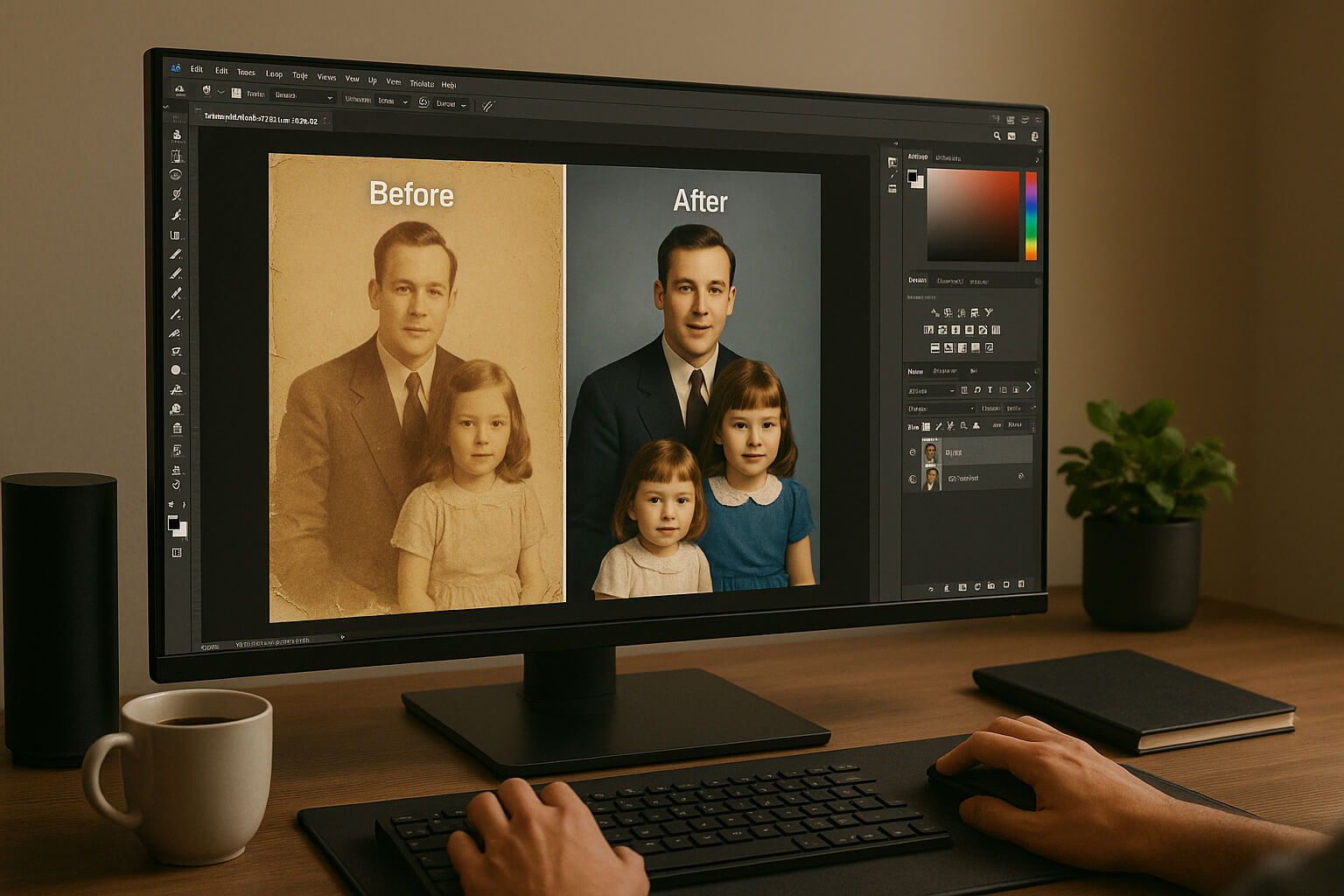
Old, faded, or damaged photos are more than just images; they are windows into our past, holding powerful memories and stories waiting to be told. With the right tools and techniques in Photoshop, you can breathe new life into these cherished keepsakes. This comprehensive guide is designed for beginners and hobbyists alike, providing you with essential steps for photo restoration using Photoshop—no expert-level experience required.
Restoring old photographs is a rewarding endeavor that allows you to:
Curious about the tools available? Check out our list of the Best Photo Restoration Software in 2025 – Revive Your Memories for additional options and insights.
Before diving into the restoration process, ensure you have the following essentials:
1. Scan and Open the Image
2. Crop & Straighten
3. Fix Dust, Scratches, and Tears
4. Adjust Brightness and Contrast
5. Color Correction (If Applicable)
Need help understanding color tools? Read our detailed guide on Color Correction vs. Color Grading in Photography for a deeper understanding of these concepts.
6. Sharpen and Enhance Details
When saving your restored photos, consider the following formats:
Want to turn your restored photos into a side hustle? Learn how to sell your photos online and generate passive income by sharing your artistic creations with the world.
Expand your knowledge and skills with these helpful resources:
Stay up to date with the newest tips, gear reviews, and step-by-step guides to elevate your photography journey from home and beyond.