May 14, 2025
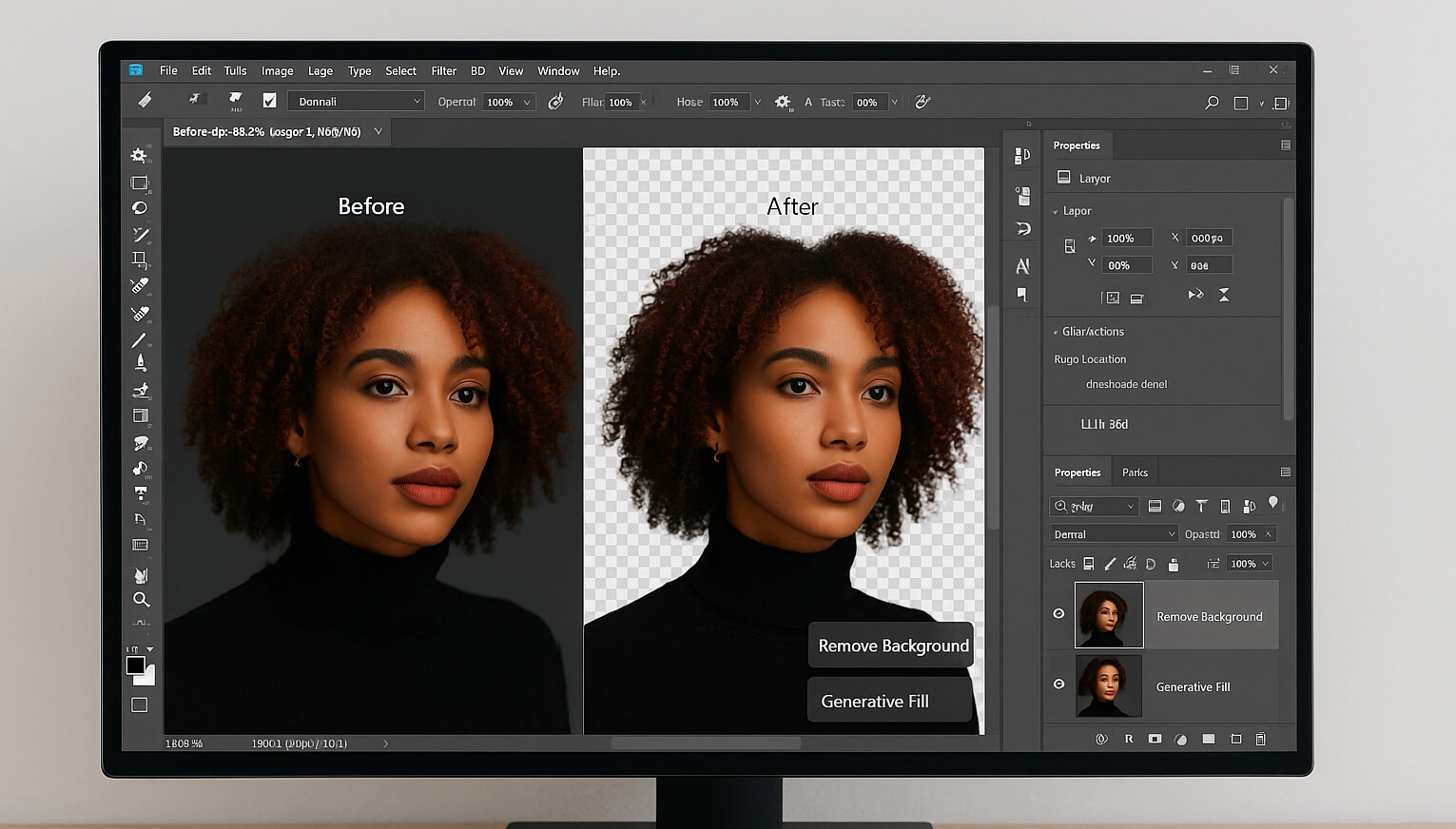
Removing backgrounds from photos has never been easier, thanks to modern AI tools and design platforms. Whether you're editing product shots, creating marketing materials, or designing social media posts, here’s how to make your subject stand out by eliminating unwanted backgrounds.
In fact, many of the techniques used in advanced editing, such as in How to Create Artistic Double Exposure Photos, begin with mastering background removal.
1. Adobe Photoshop 2025
Adobe remains the industry gold standard for precise photo editing. In 2025, Photoshop’s AI capabilities have become even more advanced — making background removal faster, smarter, and more intuitive.
🎥 Watch this Photoshop 2025 tutorial
Pro tip from How to Take Cinematic Wedding Photos: background separation and clean edits are essential for cinematic depth.
2. Remove.bg
One of the most popular background removal tools for non-designers and professionals alike. Remove.bg uses AI to instantly separate the subject from the background — no manual input needed.
3. Canva
Canva is a favorite among content creators, marketers, and small business owners — and its Background Remover makes professional edits incredibly easy.
🔗 Use Canva’s Background Remover
Useful insight from Best Photo Selling Websites 2025: images with clean, professional backgrounds are more likely to sell.
4. Aiarty Image Matting
Designed for users who need detailed, high-quality cutouts (like photographers or graphic designers), Aiarty's matting tool delivers premium results.
🔗 Explore Aiarty Background Remover
5. Erase.bg
A clean, beginner-friendly tool that works great for basic and quick edits. Erase.bg is ideal if you're looking for a free solution with good output.
Tip from Best Camera for Professional Photography Beginners in 2025: starting with a high-quality image improves background removal significantly.
Stay up to date with the newest tips, gear reviews, and step-by-step guides to elevate your photography journey from home and beyond.