August 04, 2025
Looking to fill your phone with music without spending a dime? Good news: there are several free and legal apps that let you download music for offline listening — and they work beautifully on both Android and iOS.
From royalty-free background music to underground mixtapes and indie jams, here are the best free music download apps to check out in 2025.
Best for: Hip-hop, R&B, Afrobeat, and trending playlists
Audiomack gives you access to tons of free music with no subscription required, especially from independent and emerging artists. It features curated playlists, trending charts, and a download button right next to many songs.
Why it's worth trying:
Great if you want to discover new music that isn’t on Spotify — or just vibe with today’s hottest mixtapes and EPs.
Best for: Indie music lovers and royalty-free music seekers
Jamendo offers over 600,000 songs from unsigned artists worldwide — all free for personal listening. The app allows you to download songs and create playlists, and is entirely ad-supported and legal.
Why you'll love it:
Perfect if you like to support indie talent or need legal music for content creation (non-commercial use).
Best for: Discovering unique remixes, lo-fi beats, and underground artists
SoundCloud is a huge platform where many artists offer their tracks for free download, especially newer or unsigned creators. Some songs are available for offline listening with SoundCloud Go (limited free trial), but many can be downloaded directly if the artist allows it.
Why it stands out:
Great if you're looking for unreleased gems or music outside the mainstream.
Best for: Creators, students, and niche music fans
Free Music Archive is a well-known source of public domain and Creative Commons music, ideal for educational projects, podcasts, YouTube videos, or just casual listening.
Why it's unique:
FMA doesn’t have a native app, but it’s fully accessible via mobile web. Some Android apps integrate FMA’s catalog for easier use.
Best for: Mixtape collectors and hip-hop heads
DatPiff is a classic platform that delivers exclusive hip-hop and R&B mixtapes — many of which are not available on mainstream platforms.
Why it’s a must-have:
Ideal if you're into mixtape culture or want early access to music before it hits Spotify or Apple Music.
Best for: Finding tomorrow’s stars today
ReverbNation has long been a launchpad for independent musicians, and their Discover app lets you stream and download tracks from a wide variety of new artists.
Why it's worth exploring:
Use it if you love exploring hidden gems or want to help promote rising talent.
Best for: Content creators, vloggers, and chill listeners
RocketPages offers curated packs of royalty-free music designed for background use in videos, podcasts, and reels — or just relaxing listening.
What makes it different:
If you're a creator in need of music you can legally use, or just love chill playlists, this one’s for you.
How to Build a Music Reference Library for Creative Projects
Downloading music legally and for free isn’t just possible — it’s easy in 2025. With these apps, you can:
Whether you’re a casual listener, a content creator, or a hip-hop superfan, there’s an app here for you. Try one or two, see what fits your style, and enjoy the music — completely free.
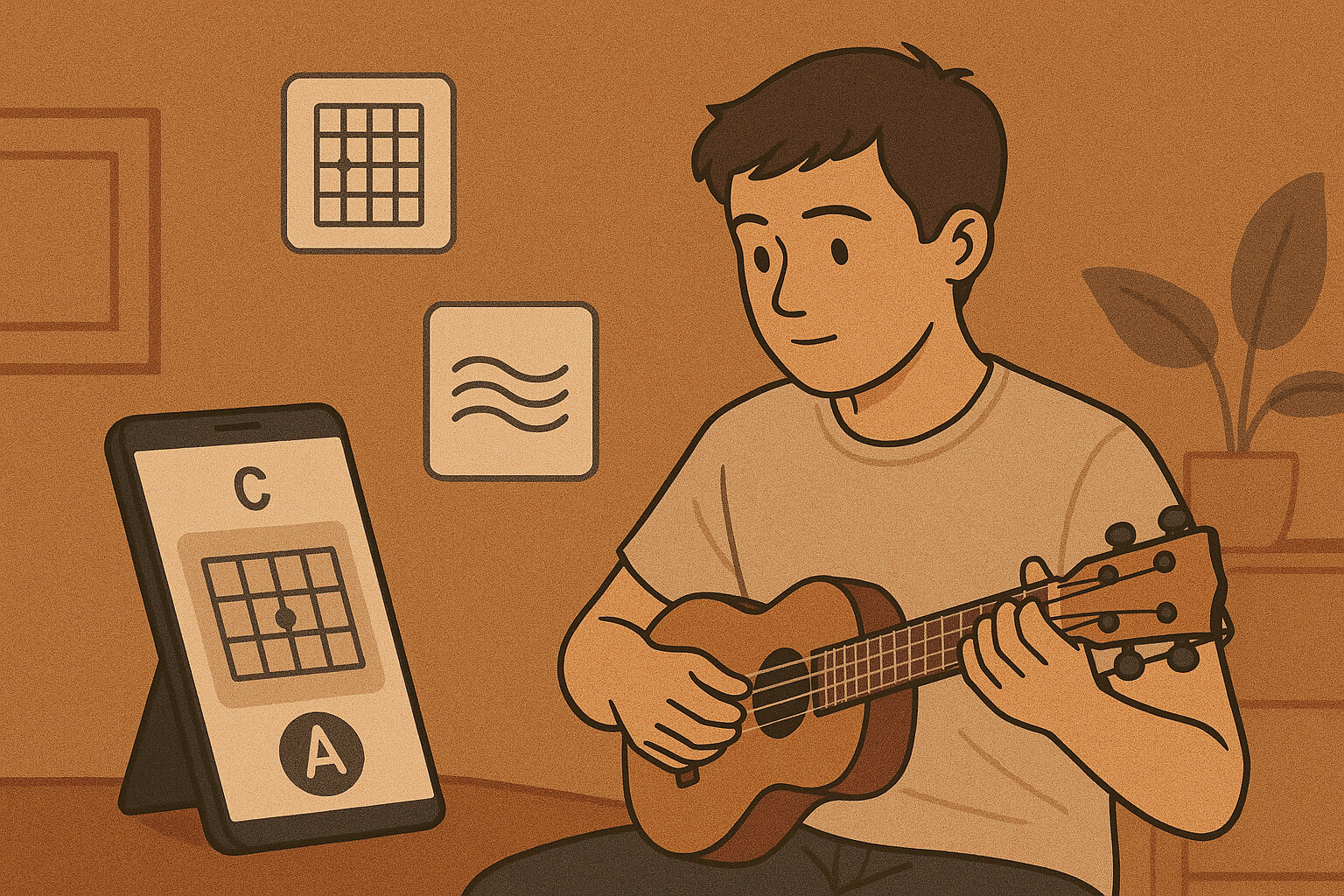
Use a small ukulele task to compare apps. Check how the app explains a chord diagram, then try the shape on your instrument. Next, follow a simple rhythm activity and attempt it without the display. This gives you evidence about the explanation and practice process rather than relying only on attractive previews.
Confirm the tuning and instrument assumptions in the lesson. If your setup differs, seek an appropriate explanation before following the diagram. Write down any symbol or instruction you do not understand. An app should help clarify the task; repeated guessing is a sign to pause and find the missing information.
Review the provider’s current free offering, device requirements, and account conditions. Then examine what the exercise feedback actually tells you. A completion mark may show that an activity was attempted without explaining every aspect of the sound you produced. Listen to your own playing and use suitable feedback beyond the screen when needed.
Keep a short recording of a chord change or rhythm. Compare it with your reference and identify one detail for the next session. If the app recognizes a result inconsistently, use its official troubleshooting information rather than changing your movement repeatedly to satisfy an unclear indicator.
Apply the chord or rhythm to a short section of music suited to your level. Note where the movement becomes harder in context and return to that transition. A useful app routine should lead toward music you can begin and check independently. Review the routine after several sessions and keep the activities that support that goal.
Leave the next song section and chord change in a closing note. At the next session, try the movement before opening the app, then compare your result with the exercise you previously followed.
Stay up to date with the latest tips, expert insights, product reviews, and step-by-step guides to help you grow, create, and succeed—no matter your industry or passion.