August 14, 2025
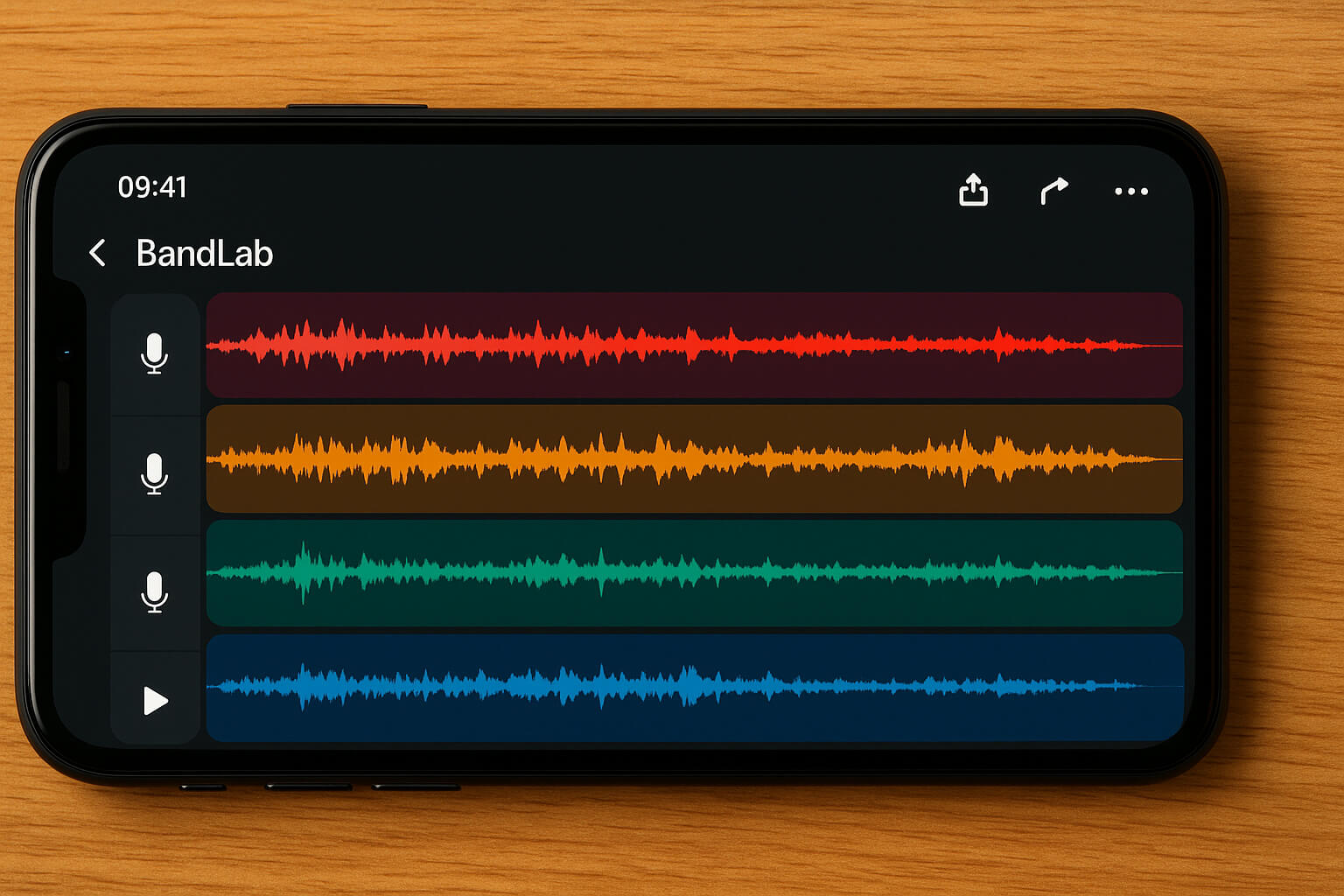
Gone are the days when music production required expensive gear, massive mixing desks, and a soundproof studio. Today, your smartphone is a portable production powerhouse. With the right free mobile apps, you can compose, arrange, mix, master, and even collaborate with other artists across the globe — all from your pocket.
This guide goes beyond the surface, giving you a deep dive into the best free mobile apps for learning music production. Plus, you'll find carefully selected educational resources and tools to help you grow from a casual beatmaker to a confident producer.
Platform: iOS, Android
Best For: All-in-one music creation, cloud collaboration, and social sharing
BandLab stands out as one of the most powerful and completely free mobile DAWs. It offers everything a beginner or intermediate producer needs — from multi-track editing and effects to mastering tools — all synced to the cloud. You can also publish directly to the BandLab social platform to build a fanbase.
Expand Your Knowledge: New to DAWs? Learn how to choose one that fits your workflow in this Digital Audio Workstation breakdown.
Tip: Use BandLab’s Mix Editor to experiment with layering instruments, vocal takes, or guitar tracks, then practice exporting and mastering your mix for YouTube or streaming platforms.
Platform: iOS (iPhone, iPad)
Best For: Beginner-friendly tools with a professional edge
GarageBand is a staple for iOS users and often serves as the first step into music production. Its smart instruments — including touch drums, pianos, and strings — let users compose full arrangements without needing advanced instrumental skills.
Build a Foundation: Before diving deep, get a solid grasp on theory with this introduction to music theory.
Tip: Try creating loops with Smart Drummer and Live Loops, then apply effects like compression and EQ to understand how they shape your sound.
Platform: iOS, Android
Best For: Beat production and MIDI-based composition
FL Studio is legendary among electronic and hip-hop producers. The mobile version brings a scaled-down but capable interface to phones and tablets, allowing you to practice sequencing, loop layering, and effect routing.
Learn the Language of Production: Dive into MIDI basics and why it matters to make full use of FL Studio’s capabilities.
Pro Tip: Use the piano roll editor to replicate melodies by ear, a great way to train both your ear and finger muscle memory for melodic structure.
Platform: iOS, Android
Best For: Serious practice in multi-track audio recording
n-Track Studio is like a pocket-sized version of a professional DAW. It supports multi-track audio recording, MIDI sequencing, and even VST plug-ins on some platforms.
Set Up Like a Pro: If you're building your home setup, consult this home studio gear guide to complement your mobile workflow.
Pro Tip: Pair n-Track with a small audio interface and a decent condenser mic to simulate a real studio setup from your phone.
Platform: iOS, Android, Web
Best For: Online collaboration, podcasting, and cloud-based production
Soundtrap gives you access to a collaborative cloud studio environment. It’s especially useful for bands, vocalists, or producers working remotely. With podcasting tools, pitch correction, and genre templates, it's a great learning platform for storytelling and arrangement.
Monetize Your Sound: Planning to release your work? Study how music royalties work to make informed decisions about publishing.
Pro Tip: Start a project on mobile, continue on desktop, and invite collaborators for vocal or instrumental takes — it’s an ideal hybrid workflow.
Platform: iOS, Android
Best For: Real-time beatmaking and rhythm training
Groovepad is more performance-based, mimicking an MPC or pad controller. You tap pads to trigger samples and loops, great for learning tempo, genre structure, and layering.
Train Your Ears: Improve your ability to recognize intervals, harmonies, and beat structure with these ear training exercises.
Pro Tip: Record your Groovepad sessions and study your timing. This helps with rhythmic precision and loop building for other DAWs.
Here are some essential practices to maximize your learning curve and produce better music faster:
You don’t need to wait until you own expensive gear to become a skilled producer. With the right mobile apps and some strategic learning, you can create industry-level tracks, collaborate with other creators, and even monetize your work — all from your phone.
Use this guide to explore, experiment, and evolve. Stick with your favorite apps, master the basics, study the theory, and remember: great producers aren’t made overnight — they’re made with consistent creativity and relentless curiosity.
Choose a simple task: create a short arrangement, save it, reopen it, and export a listening copy. Use the provider’s current instructions and check access conditions and device requirements. A feature list is less informative than seeing whether the application supports this complete path on your device.
Listen to the export outside the app and check where the editable project and source material are stored. Keep a note of the working process. This makes it easier to return after a break or move the project using a documented handoff method.
Choose one production skill to study next rather than installing several overlapping tools. Review whether the app’s explanations help you understand the task and assess the result. Keep the tool when it supports clear practice, and seek a better explanation when a control or workflow remains uncertain.
Stay up to date with the latest tips, expert insights, product reviews, and step-by-step guides to help you grow, create, and succeed—no matter your industry or passion.