June 18, 2025
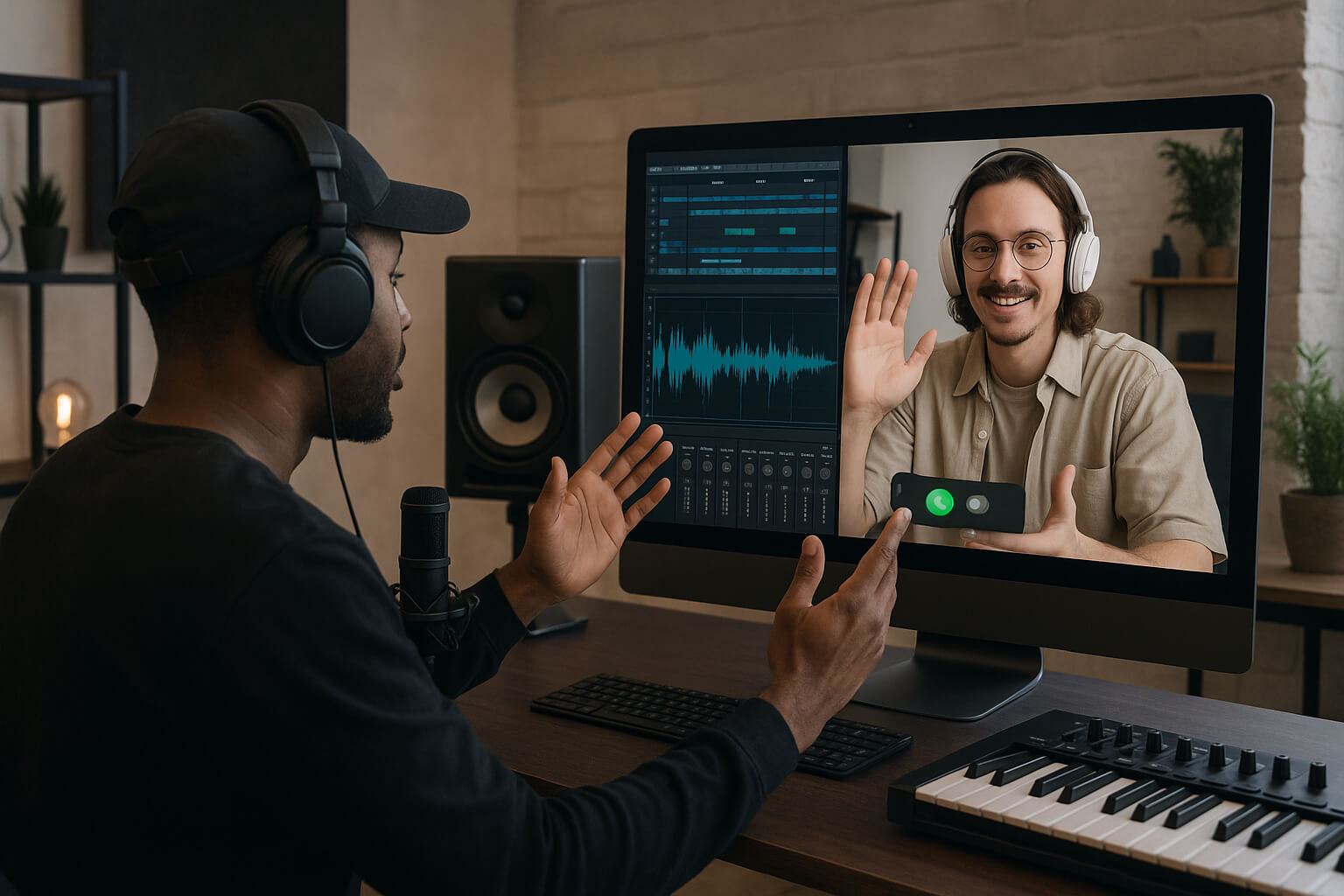
A useful consultation starts with a specific question and enough context for the person helping you to understand the project. Prepare the materials below before booking a session with a provider you have chosen.
Describe the project, its current stage, and the result you want. Replace a broad request such as “make this sound better” with a specific question about arrangement, recording, editing, or workflow. Identify the one issue that matters most for the session.
Choose a short section of your work that demonstrates the problem. Add one or two reference recordings and explain the particular qualities you want to discuss. Confirm how the provider wants to receive files and which formats they can open.
Note your recording software, interface, microphone, monitoring setup, and any practical limitations. Mention whether you can change the recording environment or whether the discussion needs to focus on the material you already have.
Check the length, price, cancellation arrangements, and what the session includes. Ask whether feedback will be spoken, written, or demonstrated. If follow-up work is proposed, agree on its scope separately.
Summarize the two or three changes you will try first. Ask how you can compare the result with your starting point. Keep a copy of the original session so that experiments remain easy to undo.
Start by completing this sentence: “By the end of this session, I want to understand or decide…” A useful answer names a particular problem, such as how to prepare a recording for editing or which part of an arrangement needs attention. A broad aim such as becoming a better producer is difficult to address in a single conversation.
Separate the immediate question from the wider project. You may ultimately want a finished release, but the consultation might only help you plan a cleaner recording session. Write the immediate question at the top of your notes. Add background below it, then list secondary questions in order of importance. This gives the provider a clear starting point and helps you use the agreed session time deliberately.
Your brief should explain what the project is, who it is for, what stage it has reached, and what is currently getting in the way. Include any practical deadline and the decisions you have already made. Describe constraints honestly, such as recording in a shared room or working with material that cannot be recorded again.
An example brief might read: “I am preparing a spoken introduction with a short musical bed. The voice has already been recorded. I need help deciding whether the music is distracting and how to organize the next edit.” This is an illustration of a clear request, not a prescribed production method. A short brief makes it easier for the provider to say whether their experience and service are suitable.
Choose a short passage that demonstrates the issue clearly. Give the provider enough material to understand the context, but avoid sending a large folder without explanation. Add a note describing where to listen and what you notice. A timestamp and a specific observation are usually easier to discuss than a request to review everything equally.
When sharing a reference recording, explain the quality you are referring to. You might mean the space around a vocal, the simplicity of the arrangement, or the way a transition feels. Do not assume that the provider will infer your intention from a link alone. Confirm that you have permission to share any project material and follow the provider’s preferred transfer method.
Ask whether the session will involve screen sharing, playback, project-file review, or discussion only. Test the required meeting application and the way you will play audio. Keep the relevant files open and make a note of the equipment and software versions you use. These preparations help avoid spending the beginning of the meeting locating basic information.
If a provider wants a project rather than a rendered example, ask which files and dependencies they need. Saving a session does not always place every referenced file inside the same folder. For example, Ableton explains its project-collection workflow in Collect All and Save. Use the instructions for your own software and confirm the requested deliverables before sending a project.
Read the provider’s current description of the session. Check what is included, how long it lasts, how payment works, and what happens if either person needs to reschedule. Ask whether the service includes written feedback, a demonstration, an edited file, or only a conversation. Those are different deliverables and should be understood before the meeting.
If the provider proposes additional work, request a separate description of its scope and terms. A consultation does not automatically include recording, mixing, mastering, or ongoing support. Keep any booking confirmation with your project notes. If you want to record the conversation, ask in advance rather than assuming that meeting software or a recording feature gives permission to do so.
During the session, distinguish a suggested change from the reason behind it. Write down what the provider wants you to listen for or compare. Understanding the question makes it easier to repeat the experiment later, even if the exact tool or setting changes. Ask for clarification when an instruction depends on information you do not yet understand.
Afterward, choose a small number of changes to test first. Keep a copy of the starting project and use clear version names. Compare the result with your original question rather than changing many unrelated things at once. If a suggestion does not seem to help, record what you tried and what happened. That gives a future discussion a more useful starting point.
Write a short summary while the conversation is still fresh. Include the main issue discussed, the first actions to try, any files you will send, and any questions that remain unresolved. If follow-up is part of the agreed service, use the provider’s stated process. Keep the message focused on the session rather than adding an unrelated project without discussing its scope.
Before considering the consultation complete, ask whether you can name your next action and explain why it matters. You should also know what the provider agreed to deliver and whether anything is still outstanding. A useful session may produce a clearer plan instead of an immediately finished recording. Evaluate it against the outcome you chose at the start, then decide what help you need next.
Stay up to date with the newest tips, gear reviews, and step-by-step guides to elevate your photography journey from home and beyond.