April 15, 2026
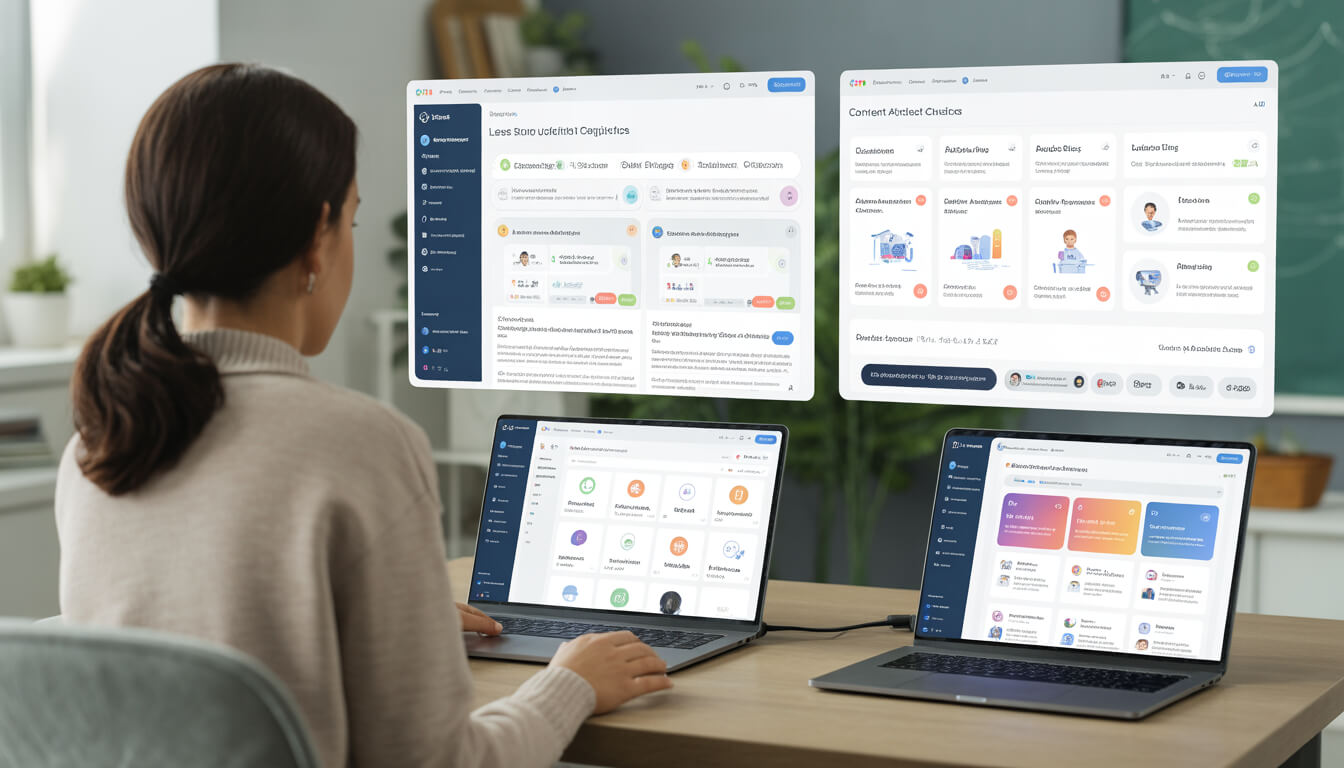
Artificial intelligence is rapidly reshaping education in 2026, but the real challenge for educators is no longer about whether AI should be used—it is about understanding which tools to choose and how to combine them effectively.
Different AI tools are designed for different purposes. Some are built to support core teaching activities such as lesson planning, student engagement, and assessment design. Others are focused on improving content creation, boosting productivity, or helping educators build a strong online teaching presence.
Because of this variety, educators often struggle not with lack of options, but with overlapping tools and unclear decision-making. Choosing the wrong combination can lead to inefficiency, while choosing the right mix can significantly improve teaching quality and workflow.
This guide provides a structured comparison of the most relevant AI tools for educators in 2026 so you can make informed, practical decisions.
Modern education is not a single activity—it is a combination of multiple responsibilities that all require different kinds of support. Teachers are expected to design lessons, deliver instruction, evaluate student performance, manage administrative tasks, and increasingly build digital learning resources.
Because of this complexity, relying on a single AI tool is rarely enough. Each tool typically solves only one part of the workflow, which means educators need to think in terms of a complete system rather than isolated tools.
When tools are chosen without comparison, educators often face issues such as duplicated effort, inconsistent workflows, or unnecessary complexity. However, when tools are compared properly, it becomes easier to understand which solution fits which part of the teaching process.
This is why comparison is not just helpful—it is necessary for building an efficient and scalable teaching system.
Teaching-focused AI tools directly support educators in planning lessons, generating materials, and improving classroom instruction. While both ChatGPT and MagicSchool AI are used for similar purposes, they differ significantly in approach and usability.
ChatGPT works as a highly flexible AI assistant that allows educators to create and refine teaching content in a dynamic way. Instead of relying on predefined formats, it responds to natural language instructions, making it suitable for a wide range of educational needs.
Educators can use it to build detailed lesson plans, generate quizzes, explain complex topics in simpler terms, or even produce multiple versions of the same explanation depending on student understanding levels. This adaptability makes it especially useful when teaching requirements vary or when content needs to be customized frequently.
One of its key strengths is the ability to refine outputs through iteration. Educators can adjust prompts, request improvements, or explore alternative explanations, which makes the tool highly interactive and responsive.
However, because of this open-ended nature, the quality of output depends heavily on how clearly the educator communicates their requirements.
MagicSchool AI takes a more structured approach by offering tools specifically designed for classroom use. Instead of requiring detailed instructions, it provides predefined workflows for tasks such as lesson planning, rubric creation, and student communication.
This structure makes it particularly useful for educators who want quick and consistent results without spending time refining prompts or adjusting outputs. It ensures that the generated content follows a clear educational format, which reduces the need for manual editing.
Because it is built specifically for educators, it aligns closely with real classroom workflows and minimizes guesswork in content creation.
However, the trade-off is reduced flexibility. While it is efficient and reliable, it does not offer the same level of customization as more open-ended AI systems.
Learning-focused AI tools are designed to improve how students understand and interact with educational content. Instead of focusing on teachers, these tools focus on the student experience.
Khanmigo is designed to function as an AI tutor that guides students through learning rather than simply giving answers. It encourages learners to think step-by-step, ask questions, and develop reasoning skills through guided interaction.
This approach helps students build deeper understanding and strengthens critical thinking skills rather than encouraging passive learning. It is especially effective in subjects that require reasoning, problem-solving, and conceptual clarity.
However, because it is primarily student-focused, it offers limited control over content creation from a teacher’s perspective.
Diffit focuses on making learning materials more accessible by adapting content to different reading and comprehension levels. Educators can input complex material and transform it into simplified versions suitable for different student abilities.
In addition to simplification, it also generates supporting materials such as summaries, vocabulary support, and comprehension questions. This allows educators to quickly prepare differentiated learning resources for diverse classrooms.
Its main strength lies in inclusivity, ensuring that students with different learning levels can engage with the same topic effectively.
Content creation tools play a key role in how educational material is presented, which directly affects student engagement and understanding.
Canva AI enables educators to quickly design visually appealing learning materials such as presentations, worksheets, and diagrams without requiring any design expertise.
Its main advantage is speed combined with simplicity, allowing teachers to focus on educational content rather than technical design work. This makes it highly practical for everyday classroom use where time efficiency is important.
The platform is especially useful for creating clear and structured visuals that help students understand complex topics more easily.
Runway ML extends content creation into video and multimedia production. It offers AI-powered tools for editing, enhancing, and generating visual content, making it suitable for more advanced educational materials.
Video-based learning is increasingly important in digital education because it improves engagement and helps explain complex concepts more effectively. However, Runway ML requires more time and technical familiarity compared to simpler tools.
Productivity tools help educators manage the administrative and organizational side of teaching, which is often just as time-consuming as classroom instruction.
Notion AI allows educators to build an organized digital workspace where lesson plans, teaching resources, schedules, and student information can be stored in one place.
By structuring all materials into interconnected systems, it reduces the time spent searching for information and improves long-term organization. The AI capabilities further enhance this by helping generate content and summarize notes directly within the workspace.
Google Gemini focuses on improving everyday productivity by assisting with tasks such as writing emails, summarizing documents, and analyzing data.
Its integration into widely used digital tools makes it easy for educators to incorporate AI into their existing workflow without major changes.
While most educators focus on improving teaching efficiency, many overlook the importance of building an online presence. Without a platform to share content, even highly productive educators remain limited in reach and influence.
To bridge this gap, educators increasingly evaluate website-building platforms before choosing one.
A useful starting point is: RocketPages vs other AI website builders
This comparison helps understand differences in usability, performance, and overall efficiency across platforms.
For deeper analysis, educators often refer to: AI website builder comparison: RocketPages vs competitors
This provides a more detailed breakdown of features like customization, SEO capability, and scalability.
To understand why some platforms stand out, many also explore: why RocketPages is the best AI website builder
When educators combine AI-powered teaching tools with productivity systems and a strong online platform, they create a complete ecosystem that enhances both efficiency and reach.
The effectiveness of AI in education depends less on the tools themselves and more on how thoughtfully they are selected and combined.
Educators who take a structured approach to comparison are able to build systems that improve both teaching quality and long-term professional growth.
A complete AI strategy for educators includes:
When all of these elements work together, educators are no longer limited by traditional classroom boundaries—they are able to scale their impact significantly.
Stay up to date with the latest tips, expert insights, product reviews, and step-by-step guides to help you grow, create, and succeed—no matter your industry or passion.