
April 13, 2026
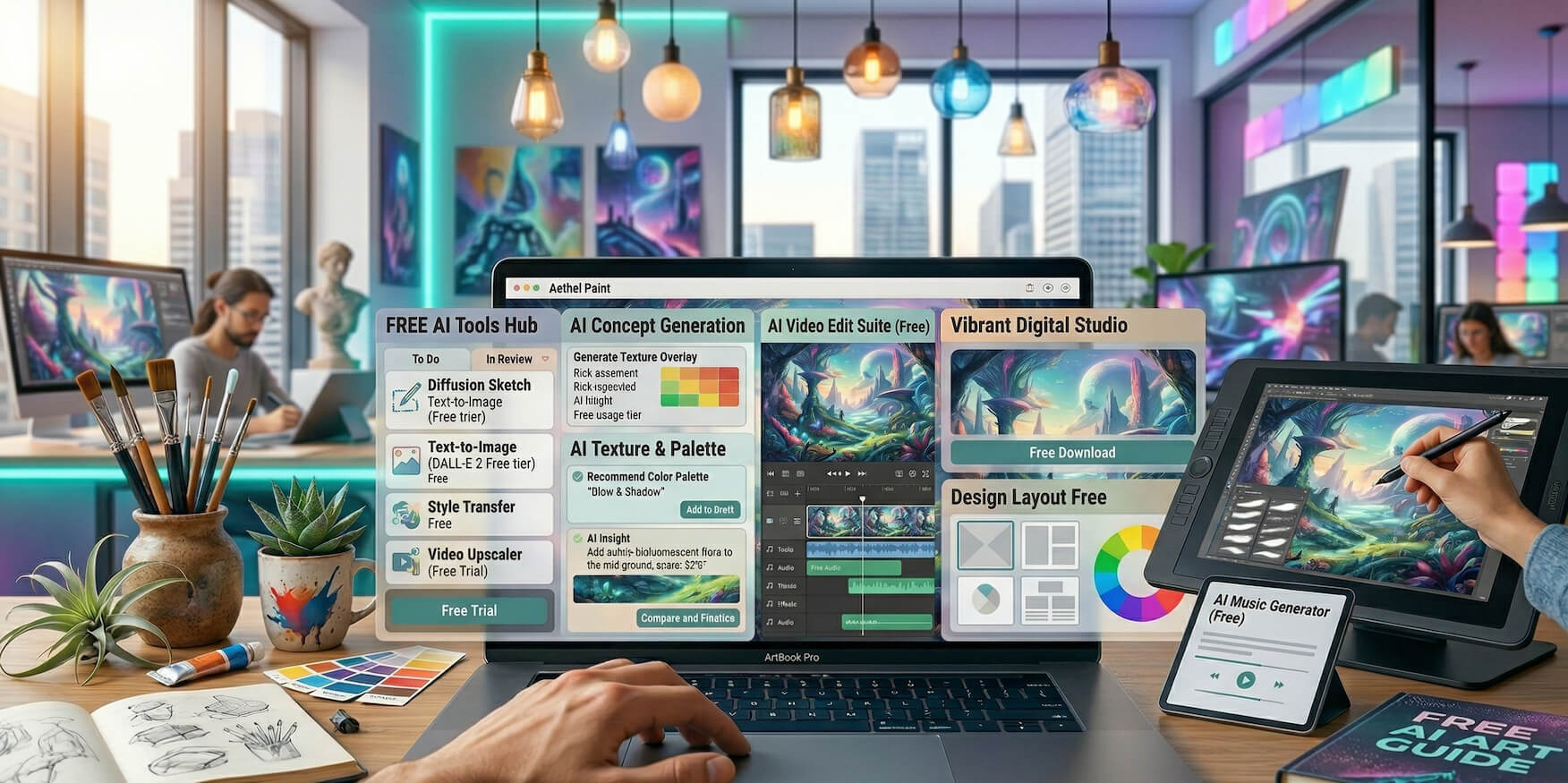
In 2026, the barrier to entry in the creative industry has dropped significantly.
Artists no longer need expensive software subscriptions or high-end production setups to create professional-quality work. With the rise of AI-powered tools, it is now possible to build a complete creative workflow using entirely free resources.
These tools enable artists to:
However, there is an important reality that many creators overlook: Not all “free” AI tools are truly free in a practical sense.
Many platforms impose limitations such as:
This means choosing the right tools is not just about “free access,” but about practical usability in real creative workflows.
This guide focuses on free AI tools that are actually useful, sustainable, and effective for artists in 2026.
Free AI tools have evolved far beyond basic demos or trial versions.
Today, many platforms offer functional free tiers that are powerful enough to support real creative production.
Artists can now generate professional-grade visuals, music, and video content without purchasing expensive software licenses.
AI tools automate time-consuming processes such as rendering, editing, and variation generation, allowing artists to focus more on creativity and less on manual execution.
These tools have opened opportunities for:
The result is a more democratized creative industry where skill and creativity matter more than access to expensive tools.
Microsoft Designer is one of the most accessible AI-powered design tools available today, integrating advanced image generation capabilities into a simple, user-friendly interface.
Microsoft Designer allows users to generate images directly from text prompts, making it ideal for artists who want to quickly visualize ideas without technical setup.
A beginner artist or content creator can:
This simplifies the entire ideation phase and removes technical barriers.
Stable Diffusion stands out because it is open-source and highly customizable, offering a level of control that most free tools cannot match.
Unlike cloud-based tools with restrictions, Stable Diffusion can be run locally, giving artists:
An experienced digital artist can:
This transforms AI from a tool into a personalized creative engine.
Leonardo AI is designed specifically for artists working in concept art, gaming, and illustration.
Leonardo AI provides a generous free tier with daily credits, making it practical for continuous use.
A game designer can:
This significantly speeds up pre-production in creative projects.
Canva combines simplicity with powerful AI features, making it one of the most widely used creative tools globally.
Canva is not just an AI tool—it is a complete design platform enhanced with AI capabilities.
A freelance designer can:
This is especially useful for artists working in content creation and branding.
Runway ML introduces AI into video production, enabling creators to produce and edit videos more efficiently.
A content creator can:
This reduces both time and technical complexity in video production.
ChatGPT plays a crucial role in the ideation and conceptual phase of creativity.
Artists use it to brainstorm creative concepts, themes, and directions.
It helps with:
It assists in structuring projects and refining artistic direction.
An illustrator working on a story-based project can:
This adds depth and coherence to creative work.
Even with access to powerful AI tools, many artists struggle to grow.
The reason is simple: Creating art alone is not enough.
Without proper visibility:
Successful artists combine:
Many creators now: create a website instantly using AI to launch professional portfolios quickly.
They also explore: real website demo and how RocketPages works to understand how to build and optimize their site.
This combination allows artists to:
The best approach is to build a multi-tool workflow:
Combining tools creates a more powerful and flexible creative system.
While powerful, free AI tools come with constraints:
Understanding these limitations allows artists to plan workflows more effectively.
Free AI tools in 2026 have fundamentally changed what is possible for artists without financial investment.
They enable creators to:
However, true success comes from combining: Creative tools + visibility + consistency
Artists who integrate AI into their workflow while building a strong online presence will have a clear advantage in the evolving creative landscape.
Stay up to date with the latest tips, expert insights, product reviews, and step-by-step guides to help you grow, create, and succeed—no matter your industry or passion.