
April 09, 2026
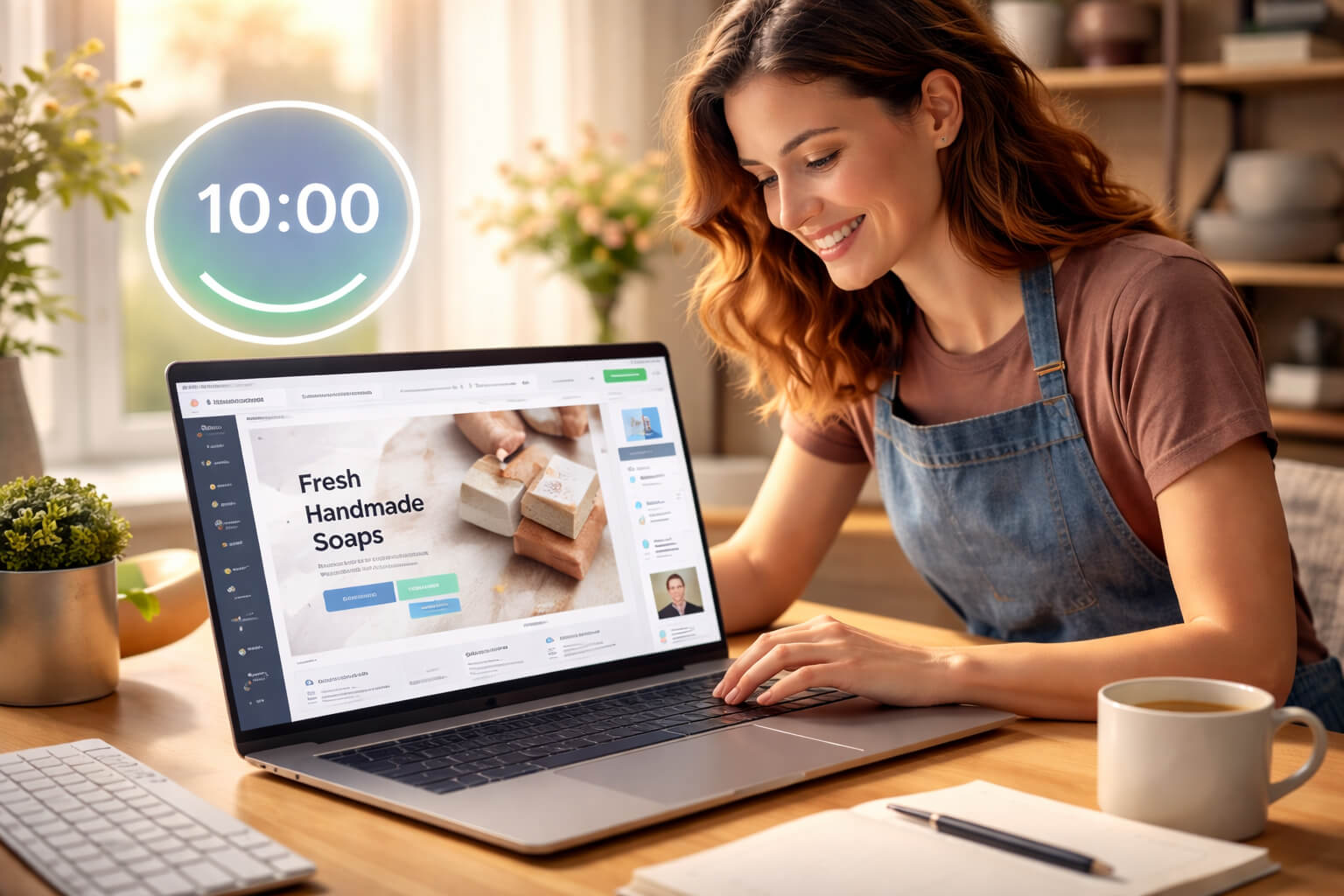
In 2026, having a website is no longer a luxury—it’s your business identity.
Whether you’re a freelancer, local business owner, or startup founder, your audience expects to find you online instantly. The first thing people do after hearing about your business is search for it.
And what they find—or don’t find—directly impacts whether they trust you.
But here’s the problem:
Most website builders still feel:
That’s where RocketPages changes the game.
Instead of forcing you through long sign-up processes and confusing dashboards, it lets you start building instantly, experiment freely, and only log in when you’re ready to go live.
In this step-by-step guide, you’ll learn how to create a fast, secure, SEO-ready website in just 10 minutes—even if you’ve never built one before.
Let’s be real—attention spans are shorter, competition is higher, and decisions happen fast.
Today’s customer journey looks like this:
Search → Compare → Decide (within minutes)
That means:
Most small businesses delay launching their website not because they lack ideas—but because they believe it will take too long or be too technical.
RocketPages removes that friction completely.
You don’t need:
You just need a few minutes and a clear idea of what you offer.
To make your 10-minute build smooth and distraction-free, prepare these basics:
Pro Tip: Don’t wait for everything to be perfect. You can always edit and improve later. Speed > perfection.
This is where RocketPages stands apart from almost every other website builder.
You can:
No signup. No login. No friction.
Most platforms force you to commit before you see results.
RocketPages flips this:
Experience first → Signup later
This allows you to:
For beginners, this removes the biggest barrier—fear of complexity.
Templates are your shortcut to a professional-looking website.
Instead of building everything from scratch, you’re starting with a structure that’s already designed to convert visitors into customers.
Look for a template that includes:
If you run a salon or local service business, choose a template with:
Pro Tip: Don’t get stuck comparing designs. A clear and simple layout will always perform better than a fancy but confusing one.
Now comes the most important part—turning the template into your website.
RocketPages uses direct editing, which means:
1. Headline (Most Important) : Clearly explain what you do.
2. Description : Who you help and how.
3. CTA (Call-To-Action) : What should visitors do next?
❌ “Welcome to our website”
✅ “Affordable Home Cleaning Services in Gurgaon – Book Today”
Why this matters: Visitors decide within 3–5 seconds whether to stay or leave.
Clarity wins every time.
A great website isn’t just about design—it’s about guiding visitors toward action.
Use this proven structure:
RocketPages makes structuring easy:
Golden Rule:
Every section should answer a question:
Your website is automatically mobile-friendly—but don’t skip the preview.
Check:
Reality: Over 70% of users browse on mobile devices.
A poor mobile experience = instant exit.
Here’s a unique advantage of RocketPages:
When you're ready:
You focus on creation—not setup.
Before publishing, take 2 minutes to make your website discoverable on search engines.
Set:
Result: Your site becomes SEO-ready from day one.
Now comes the best part.
Click Publish, and your website goes live instantly.
No need for:
Your website is now:
Here’s how the 10-minute promise works in practice:
Total: ~10 minutes
Once your website is live, it immediately starts working for you:
Even a simple site can:
Avoid these common beginner mistakes:
Fix: Keep everything simple, focused, and action-driven.
Want your website to perform better than most?
Do this:
Simplicity + clarity = higher conversions.
Building a website used to be slow, technical, and frustrating.
Now, it’s as simple as:
Open → Edit → Publish
RocketPages removes every barrier:
You can go from idea to a live, professional website in minutes—not days.
If you’ve been waiting to launch your website…
This is your moment.
Stop overthinking. Start building.
Stay up to date with the latest tips, expert insights, product reviews, and step-by-step guides to help you grow, create, and succeed—no matter your industry or passion.