
April 15, 2026
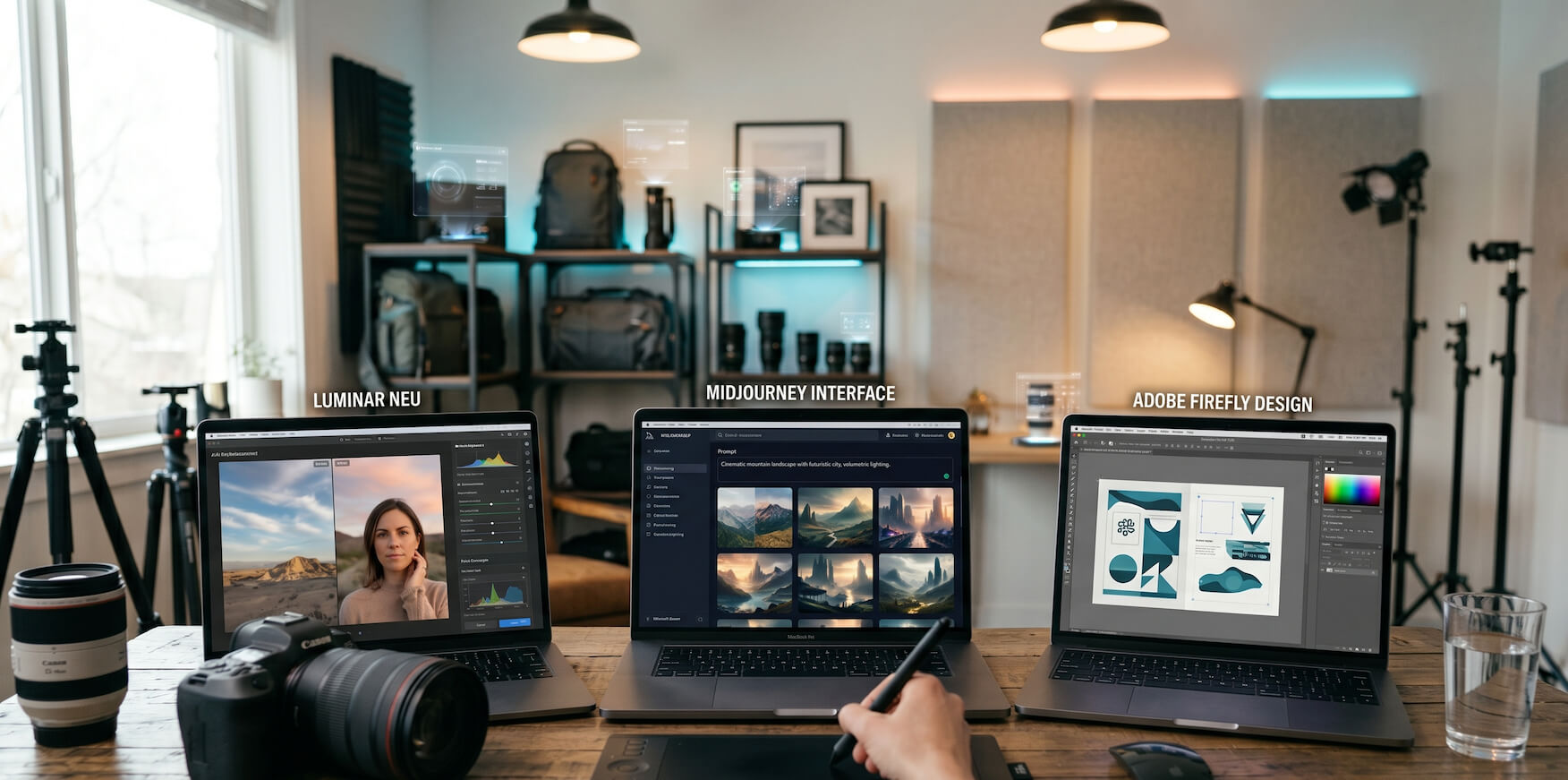
Artificial intelligence is rapidly transforming photography in 2026, but with so many tools available, choosing the right ones can feel overwhelming.
Today’s AI tools are designed to solve very different problems within a photographer’s workflow. Some are focused on creative editing, others on technical image enhancement, while some are built to support content creation or business growth.
Because of this variety, there is no single tool that works perfectly for every photographer.
The reality is simple: the best AI tool depends entirely on your specific workflow, goals, and style of work.
This guide breaks down the key differences between major AI tools so you can make more informed and practical decisions.
A common mistake many photographers make is choosing tools without fully understanding what they are designed for. This often leads to inefficient workflows, where the tool does not match the actual need.
AI tools are not interchangeable. Each category is built with a specific purpose in mind. Some tools are optimized for speed and automation, while others focus on precision, control, or creative flexibility.
If the wrong tool is used for the wrong task, it can actually slow down your workflow instead of improving it.
That’s why understanding how tools differ is essential for building an efficient and scalable photography process.
Although both tools are widely used for editing, they serve very different purposes within a photography workflow.
Luminar Neo is designed for photographers who want to achieve visually striking results quickly. It uses AI to apply creative adjustments such as lighting improvements, sky replacement, and portrait enhancements with minimal manual input.
Instead of requiring detailed adjustments, the software allows users to apply one-click edits that instantly transform the look and feel of an image. This makes it especially useful for photographers who prioritize speed and aesthetic appeal.
It is commonly used in workflows where fast turnaround and visually engaging results are more important than technical precision.
It is best suited for photographers who want fast, creative, and visually impactful edits without complex workflows.
Topaz Photo AI, on the other hand, focuses on improving the technical quality of images rather than applying creative effects. It uses advanced AI models to reduce noise, sharpen details, and upscale resolution while preserving image integrity.
This makes it particularly valuable in situations where image quality is critical, such as low-light photography, commercial work, or large-format printing.
Rather than replacing creative editing tools, it often acts as a foundational step in the workflow by preparing images for further refinement.
It is best suited for photographers who need high-quality, detail-focused image correction and professional-level output ([Superprompt][1]).
These tools highlight a fundamental trade-off in modern editing: speed versus control.
Canva AI is designed for ease of use and quick results. It allows photographers to perform basic edits, create marketing visuals, and design content without needing advanced editing skills.
Its AI features simplify processes like background removal, layout creation, and visual enhancement, making it ideal for photographers who need to produce content quickly for social media or client presentations.
However, this simplicity comes with limitations in terms of fine control and advanced editing capabilities.
It is ideal for workflows that prioritize speed, accessibility, and ease of use over detailed customization.
Photoshop remains the industry standard for advanced editing because it provides complete control over every aspect of an image. With AI-powered features now integrated into the platform, it offers both automation and precision.
Photographers can work with layers, masks, and detailed adjustments, allowing for highly customized edits that are not possible in simpler tools.
While it requires more time to learn and use effectively, it delivers unmatched flexibility and professional-level results.
It is best suited for photographers who require complete control, precision, and advanced editing capabilities.
Another important distinction is the platform on which AI tools operate.
Remini is built for mobile users who need quick enhancements without a full editing setup. It uses AI to improve clarity, enhance portraits, and restore image quality instantly.
This makes it ideal for quick edits, previews, or social media content creation, especially when working on the go.
However, it is not designed for detailed or professional-grade editing workflows.
It is best suited for fast, convenient editing directly from a mobile device.
Desktop-based tools such as Luminar Neo, Topaz Photo AI, and Photoshop provide significantly more power and flexibility. They are designed for detailed editing, batch processing, and high-quality output.
These tools are essential for professional photographers who need consistent results across large projects and require precise control over their edits.
They are best suited for serious photography work that demands quality, control, and scalability.
One of the most practical decisions photographers face is whether to use free tools or invest in paid solutions.
Free tools such as Canva’s free plan, Pixlr, and Remove.bg provide a solid starting point for beginners or photographers with simple needs.
They allow users to perform basic edits, create content, and experiment with AI features without financial commitment.
However, they often come with limitations such as restricted features, lower export quality, or usage limits.
Paid tools like Luminar Neo, Topaz Photo AI, and Photoshop offer more advanced capabilities, better performance, and greater control over the final output.
They are designed for photographers who require consistent quality, efficiency, and scalability in their workflows.
In most professional scenarios, paid tools deliver more reliable and higher-quality results over time.
Recent comparisons show that different tools excel in different areas. Luminar Neo stands out for creative editing, Topaz Photo AI for image quality, and Remini for quick mobile enhancements.
The key takeaway is that tool selection should always be based on your specific workflow needs rather than trends or popularity.
One of the biggest gaps in many photographers’ workflows is focusing only on editing tools while ignoring growth tools.
Editing tools help you create high-quality images, but they do not help potential clients discover your work.
To grow as a photographer, you also need a strong online presence where your work can be showcased professionally.
Successful photographers are not just comparing editing tools—they are also evaluating platforms that help them build visibility and attract clients.
Many start by exploring detailed comparisons such as: RocketPages vs other AI website builders
To better understand features, usability, and performance, they also review: AI website builder comparison: RocketPages vs competitors
After understanding the landscape, they often evaluate: why RocketPages is the best AI website builder
This approach helps photographers choose the right platforms, build SEO-friendly portfolios, and attract more clients effectively.
Instead of asking which tool is the best overall, it is more useful to identify the specific problem you want to solve.
For creative editing, tools like Luminar Neo are effective. For improving image quality, Topaz Photo AI is more suitable. Quick edits can be handled by Canva AI or Remini, while professional workflows benefit from Photoshop.
For long-term growth, website-building platforms play a crucial role.
The most effective workflows combine multiple tools that complement each other rather than relying on a single solution.
Many photographers slow themselves down by trying to use too many tools at once. This often creates confusion and reduces efficiency.
A better approach is to start with a small set of tools, master them, and gradually expand your toolkit as your needs grow.
Simplicity and consistency lead to better results over time.
AI tools are reshaping photography in 2026, but success depends on how strategically they are used.
The most effective photographers are not those using the most tools, but those who understand how to combine the right tools for their workflow.
By focusing on efficiency, quality, and visibility, photographers can stand out in an increasingly competitive industry.
The real advantage comes from using AI with purpose, not just using it everywhere.
Stay up to date with the latest tips, expert insights, product reviews, and step-by-step guides to help you grow, create, and succeed—no matter your industry or passion.